
OpenAI Integration
SEO NEO integrates with OpenAI to provide AI-powered content generation for your campaigns.
Setting Up OpenAI
Step 1: Navigate to OpenAI Settings
Access the OpenAI API section in settings:
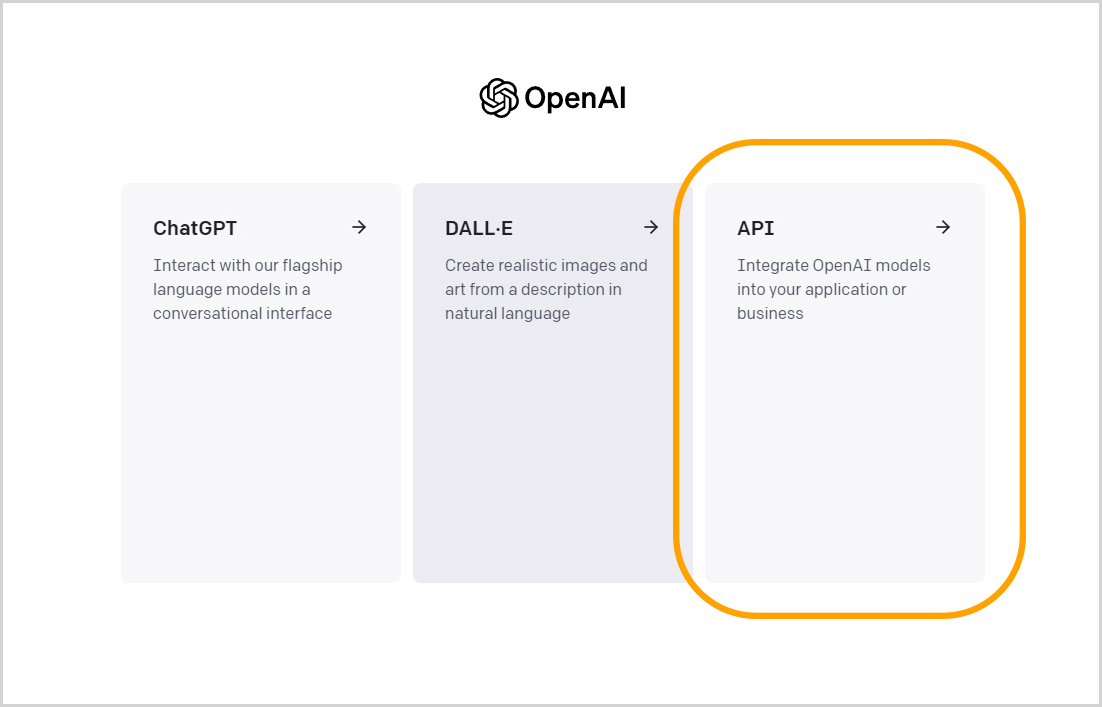
Step 2: Access Your OpenAI Account
Go to your OpenAI account menu:
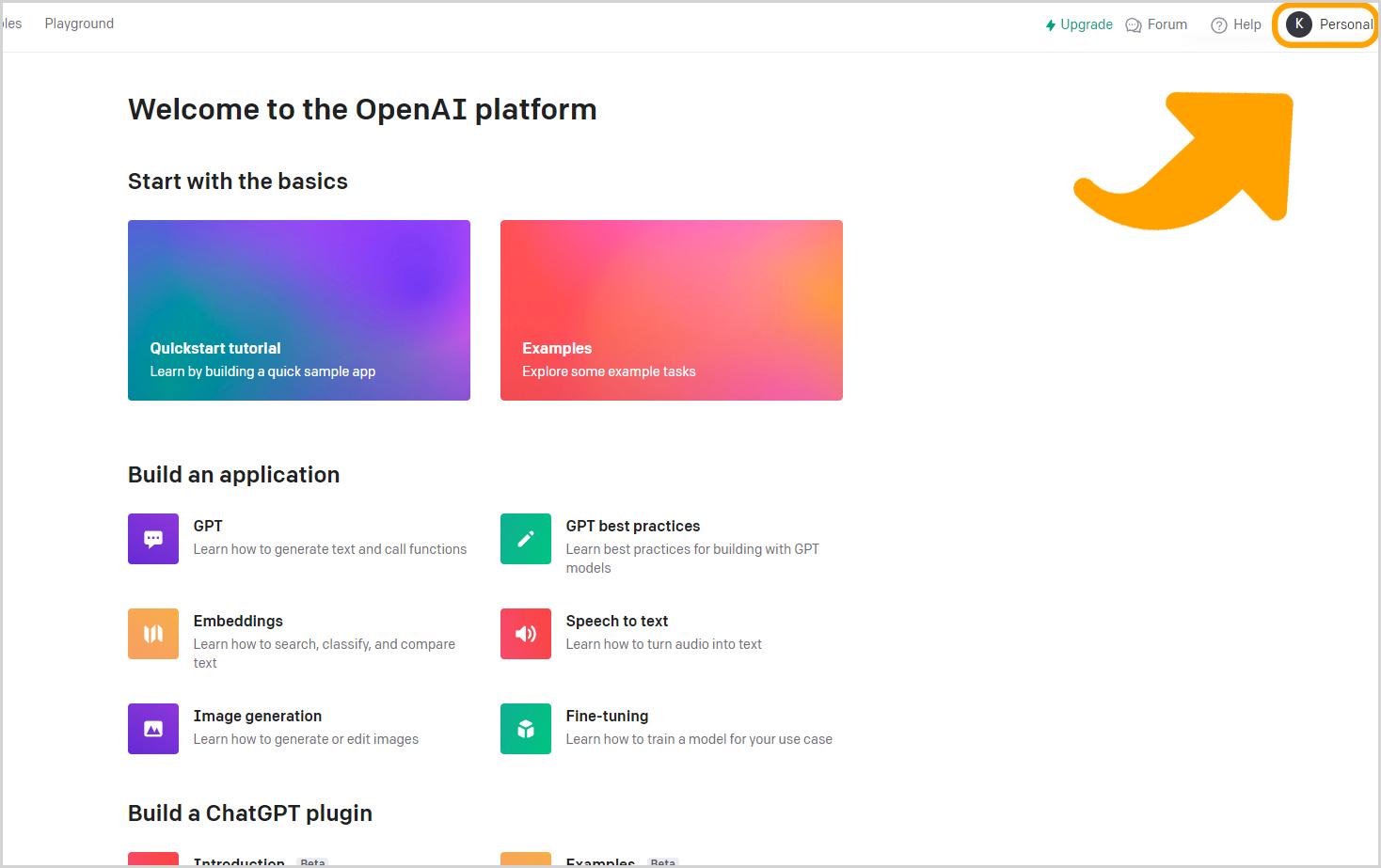
Step 3: View API Keys
Navigate to View API Keys:
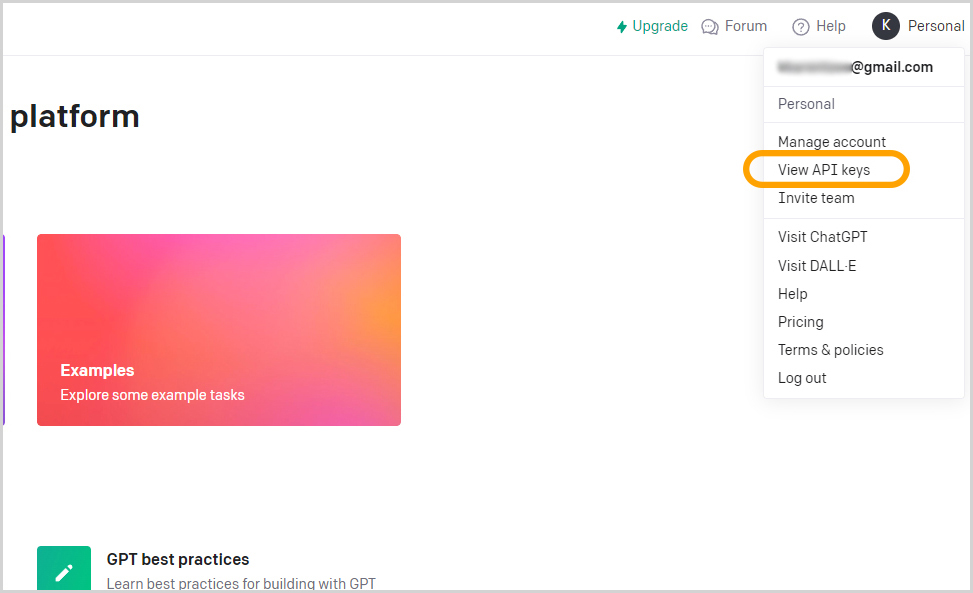
Step 4: Create New Key
Click "Create new secret key":
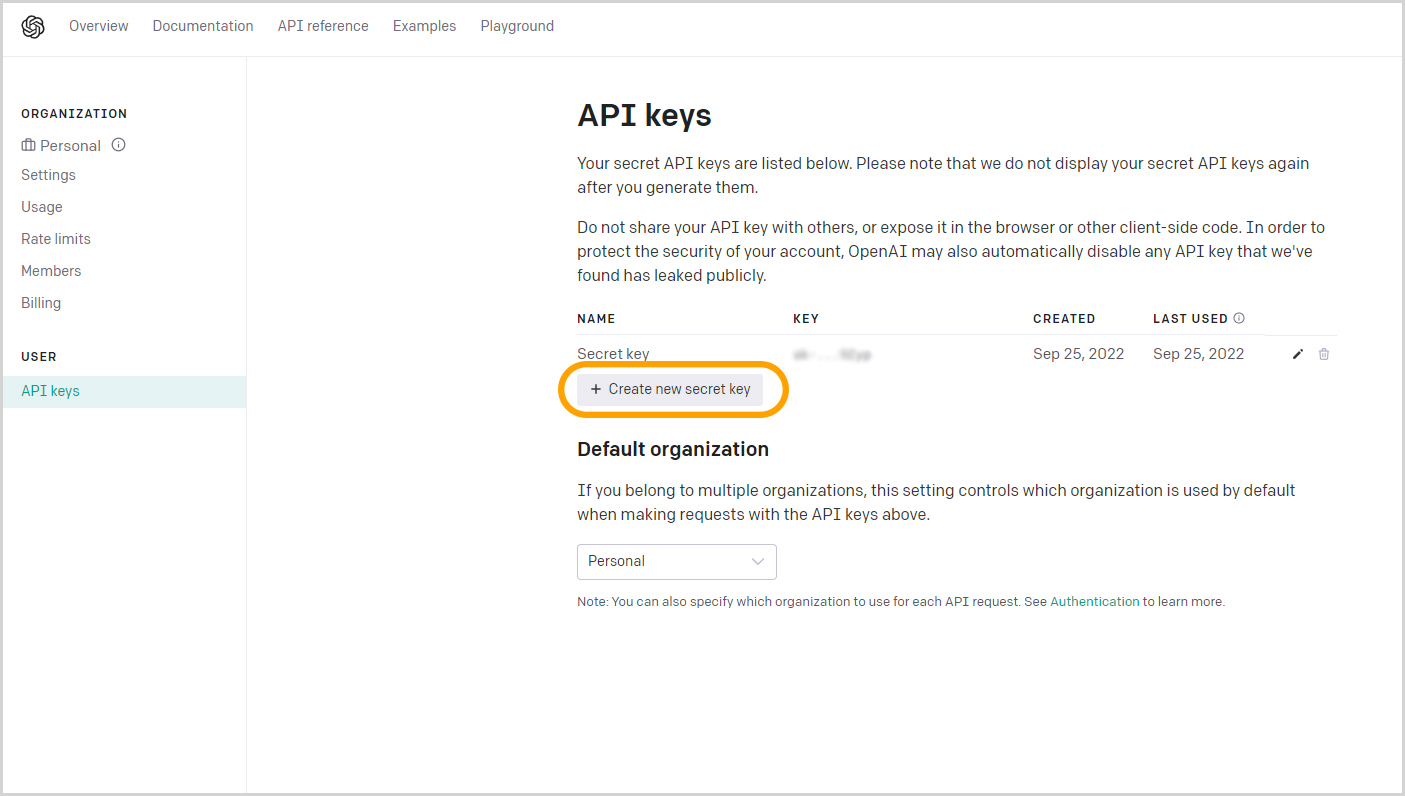
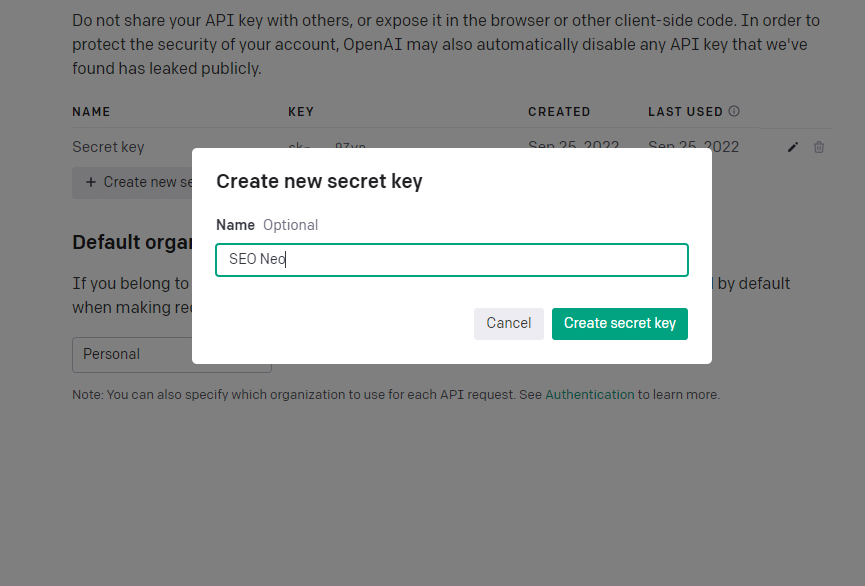
Step 5: Name Your Key
Give your key a name:
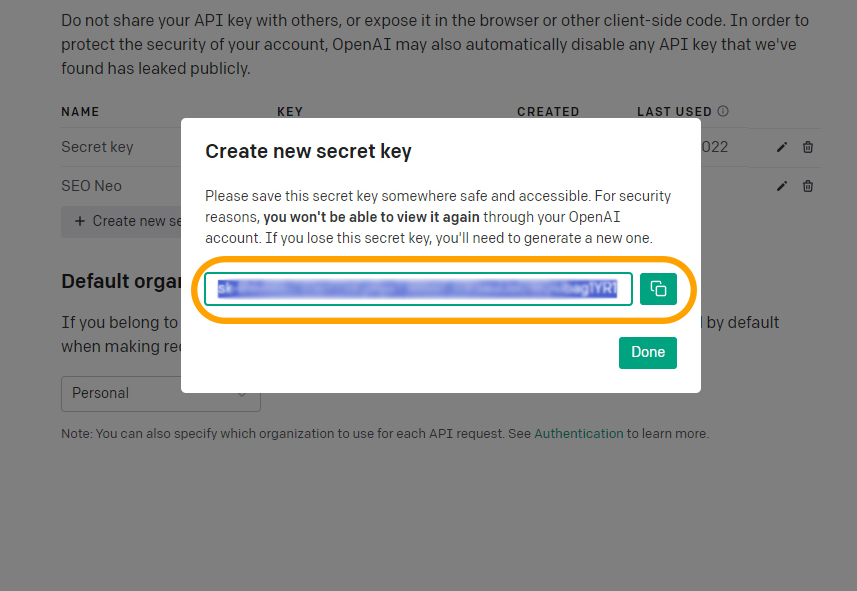
Step 6: Copy Your Key
Copy the generated key immediately (it won't be shown again):
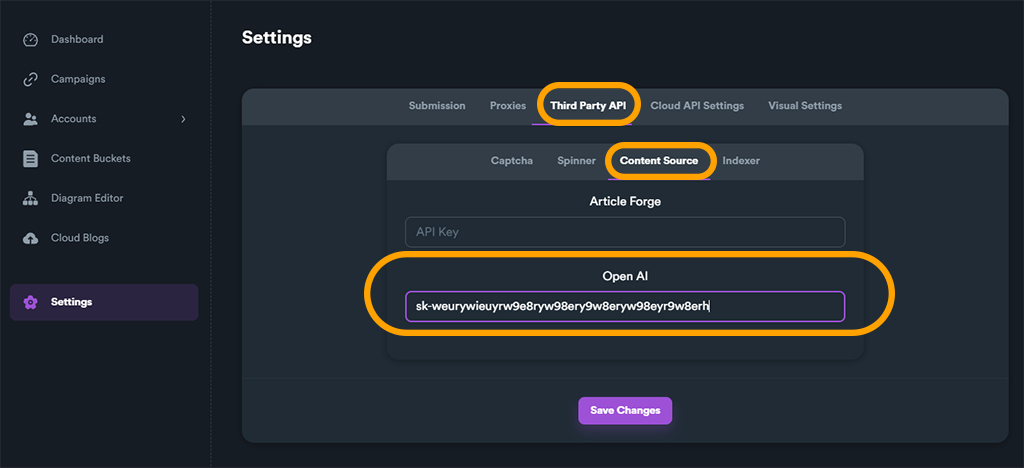
Step 7: Enter Key in SEO NEO
Paste your key in the SEO NEO settings:
Step 8: Save Changes
Click Save to store your settings:
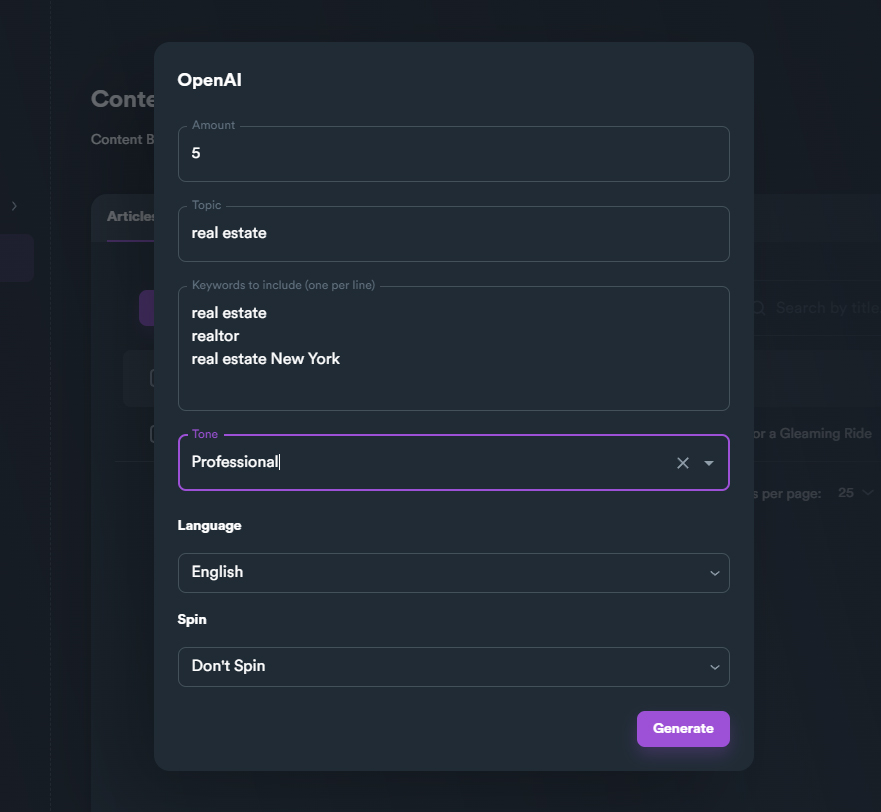
Using AI Content Generation
Once configured, you can generate content for:
- Content Buckets - Generate articles automatically
- Blog Posts - Create cloud blog content
- Descriptions - Generate meta descriptions
- Titles - Create engaging headlines
Best Practices
- Monitor usage - Keep track of API costs
- Review content - Always check AI-generated content
- Edit and improve - Add your unique insights
- Use templates - Create consistent output with prompts
- Test different models - Try GPT-3.5 vs GPT-4 for quality vs cost
Supported Features
| Feature | Description |
|---|---|
| Article Generation | Full articles from keywords |
| Content Spinning | Create variations of content |
| Title Generation | Create engaging titles |
| Meta Descriptions | SEO-friendly descriptions |
| NAP Data | Local business information |
Next Steps
- Set up Content Buckets to store generated content
- Create Campaigns using AI content
- Configure Cloud Blogs with AI-generated articles