Diagrams & Link Groups
The Diagram Editor is where you visually design your link building campaigns. It provides a powerful drag-and-drop interface for creating complex tiered link structures.
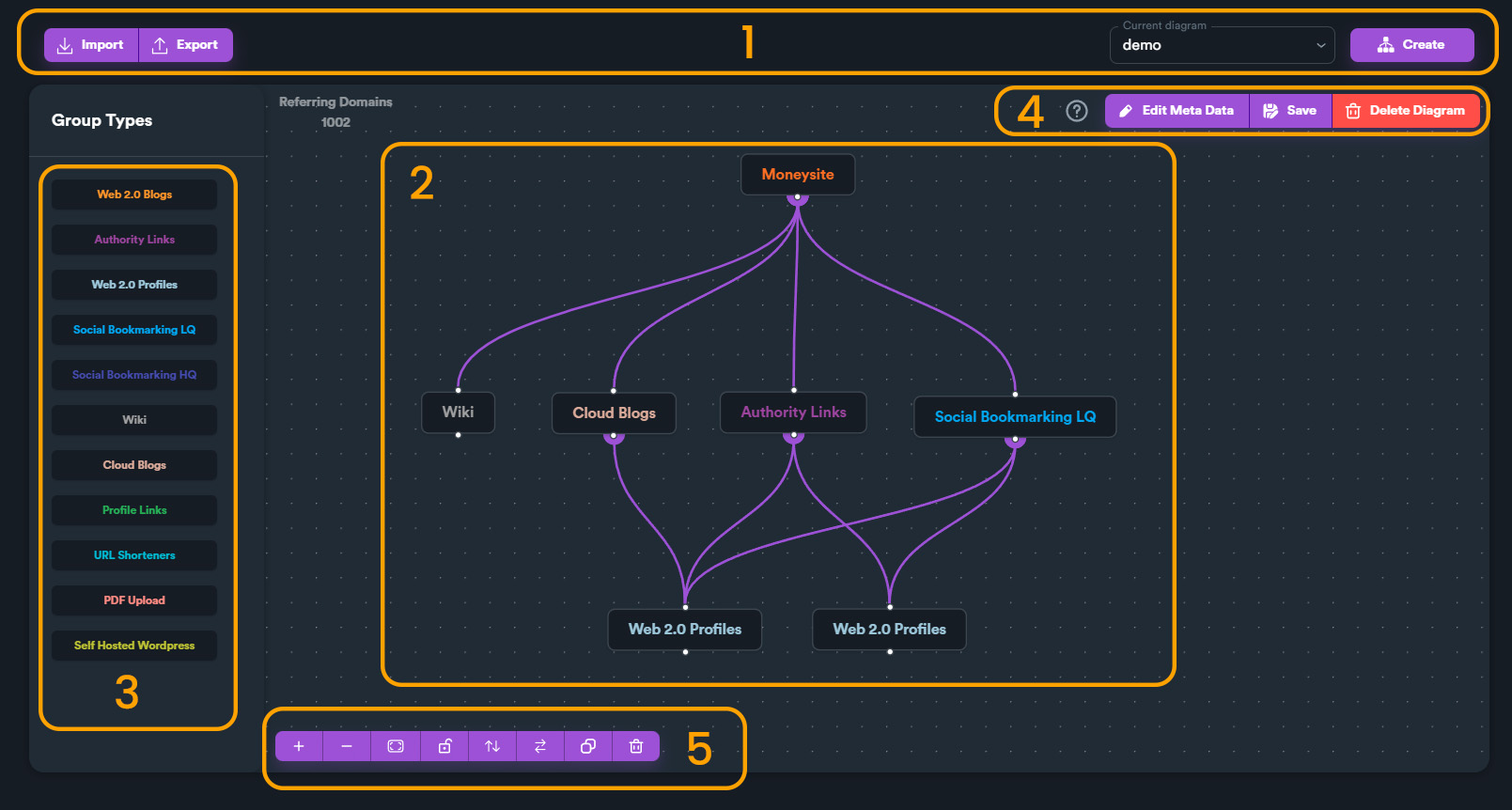
Understanding Diagram Parts
Each diagram consists of link groups connected by relationships:
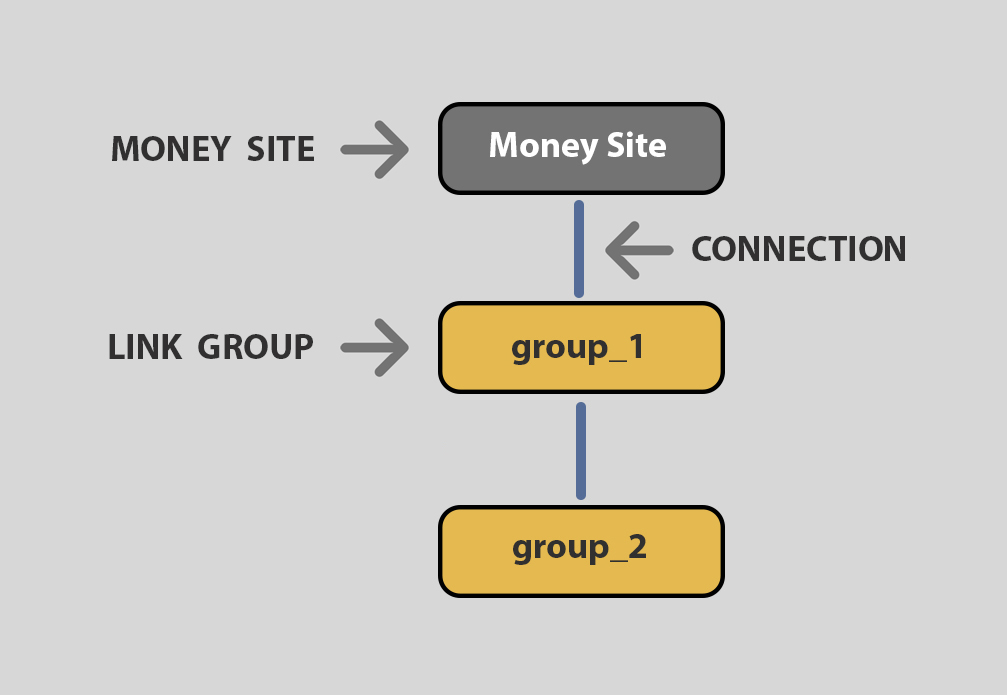
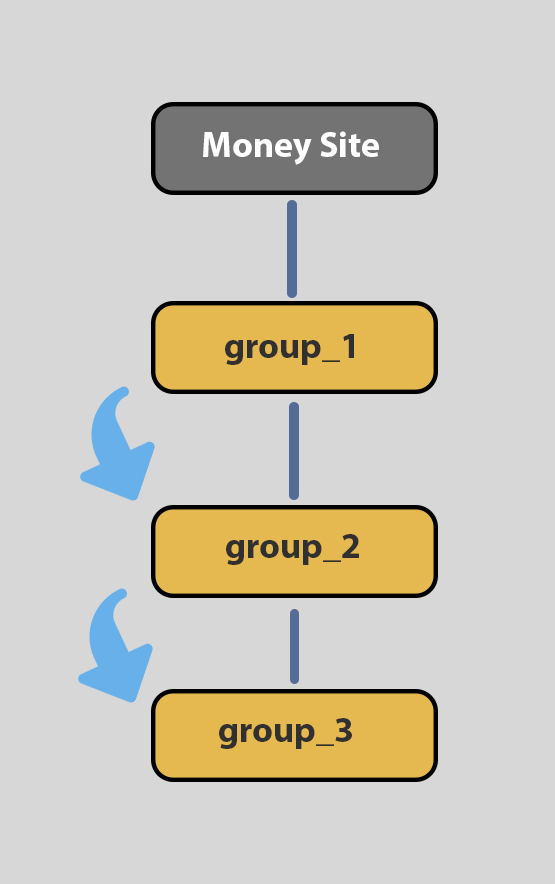
Diagram Flow
Links flow from one tier to the next based on your diagram design:
Creating Custom Diagrams
Step 1: Create New Diagram
Click the "Create New Diagram" button to start:
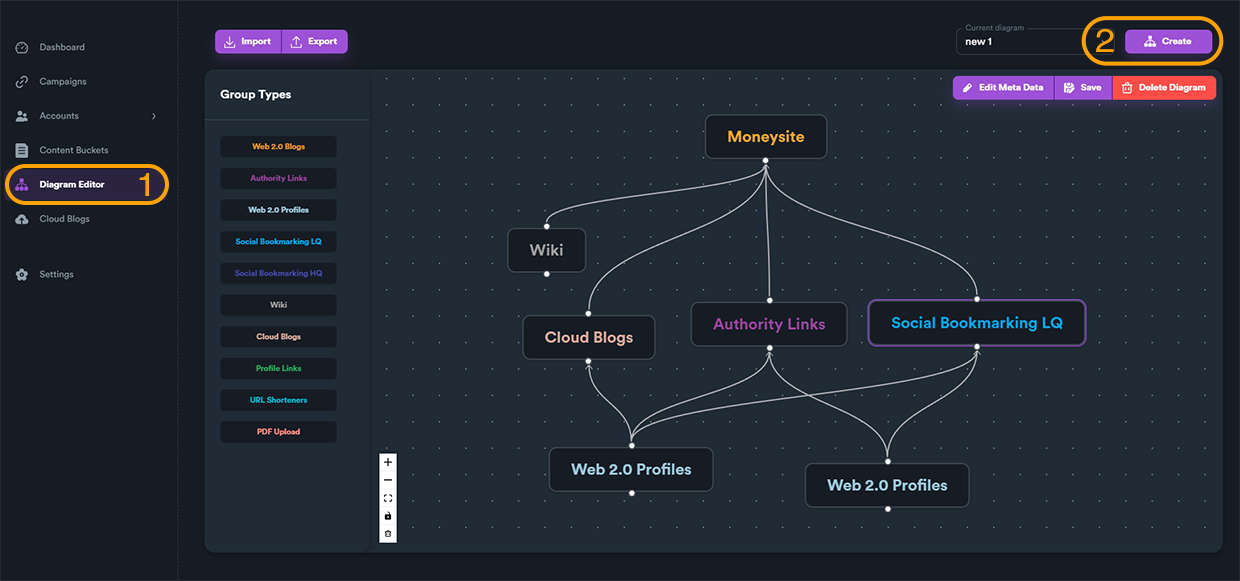
Step 2: Name Your Diagram
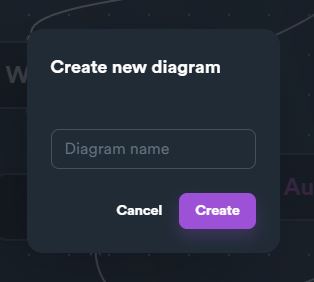
Give your diagram a descriptive name:
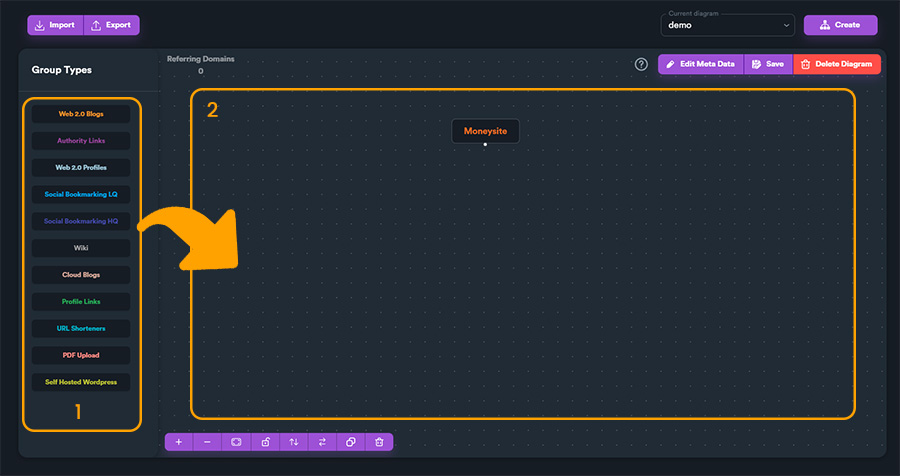
Step 3: Add Link Groups
Drag and drop link groups onto the canvas:
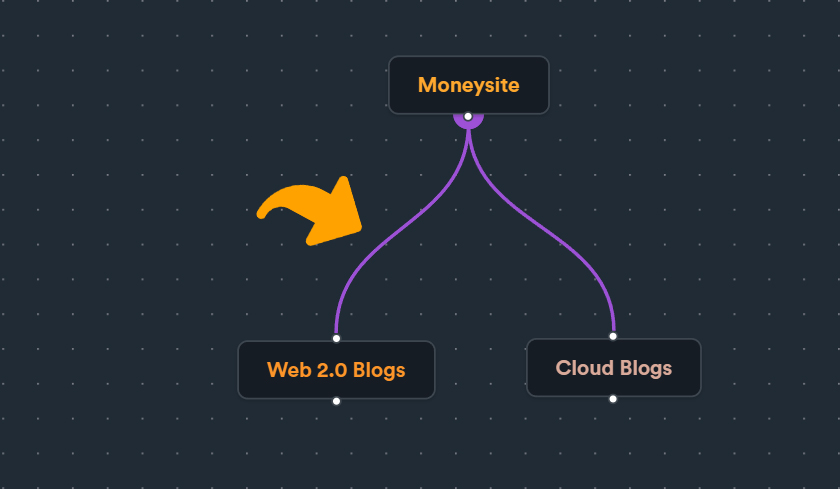
Step 4: Connect Groups
Use handles to connect groups together:
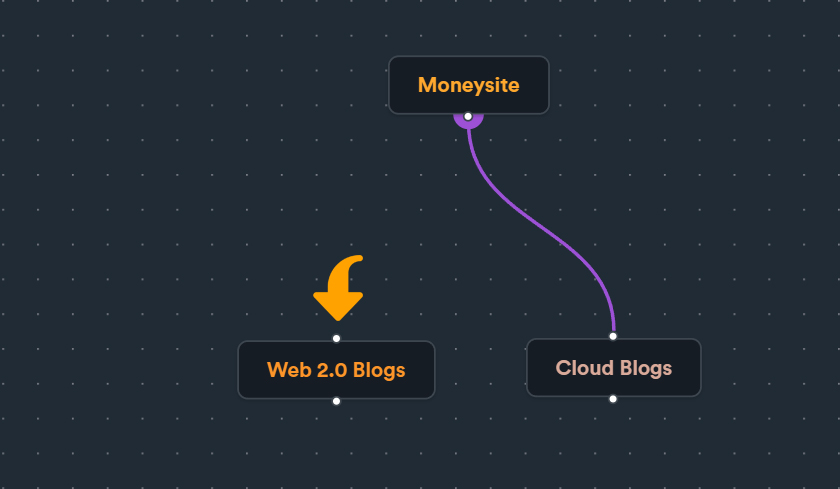
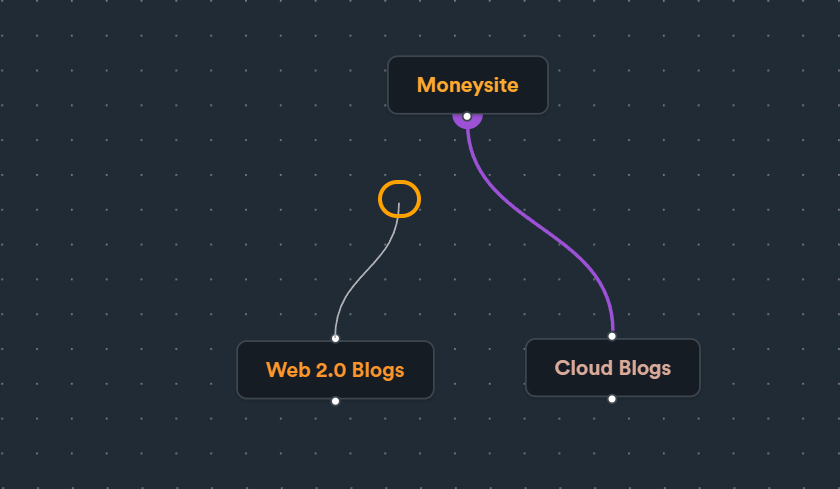
Step 5: Create Connections
Draw connections between link groups:
TIP
Avoid hanging connections - all links should flow to another tier or the money site.