
Getting Started with SEO NEO
Welcome to SEO NEO - The Link Building Powerhouse. This guide will help you get up and running quickly.
Software Overview
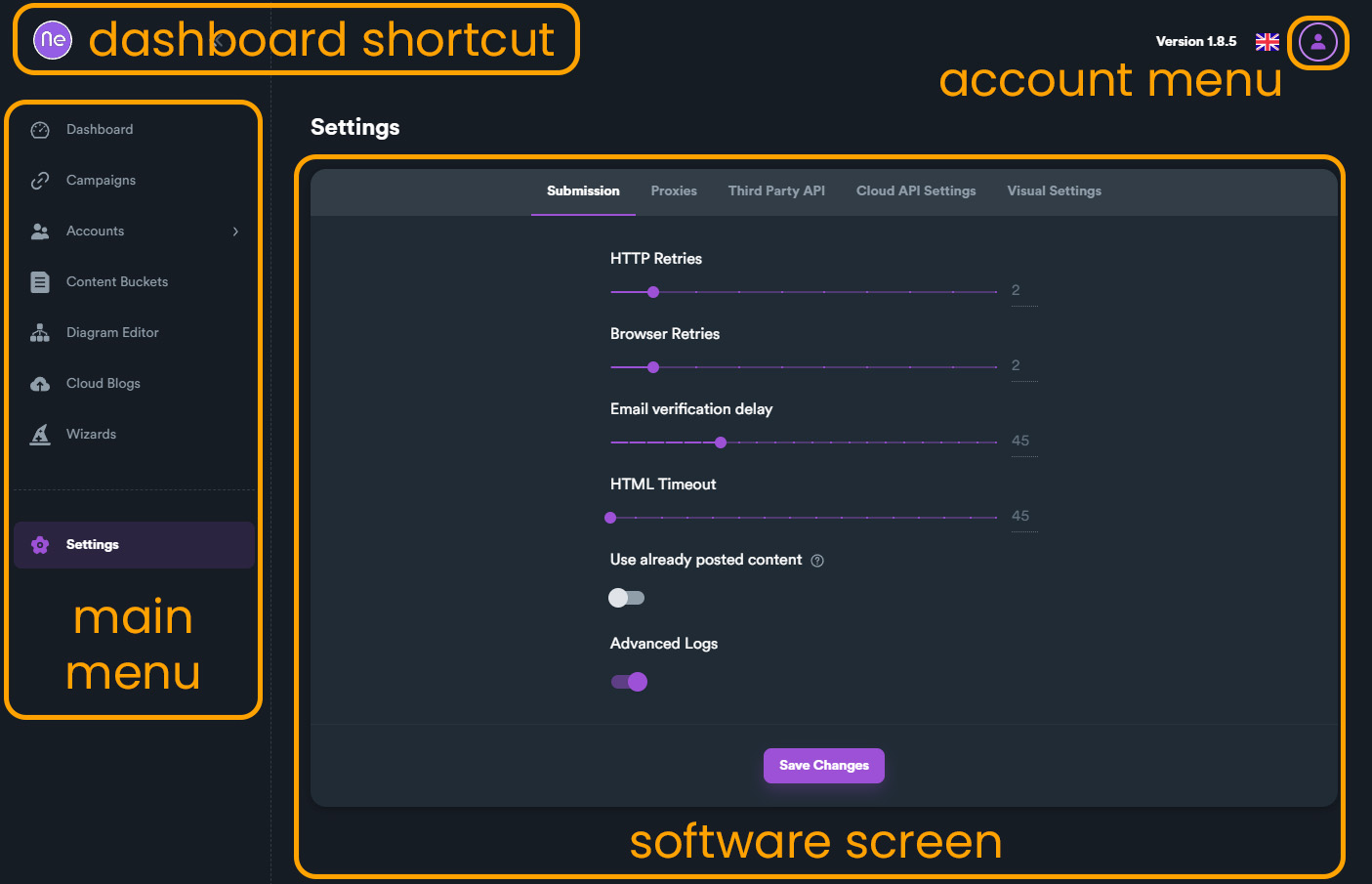
SEO NEO has three main sections on the interface:
Main Menu
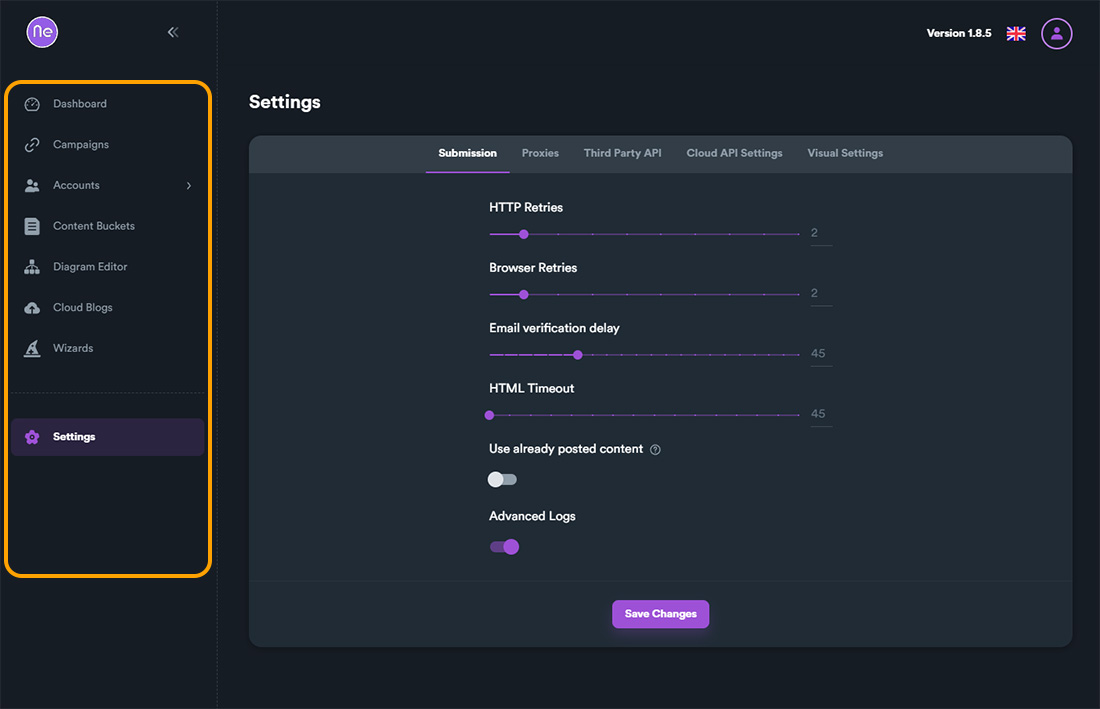
Navigate between different software sections:
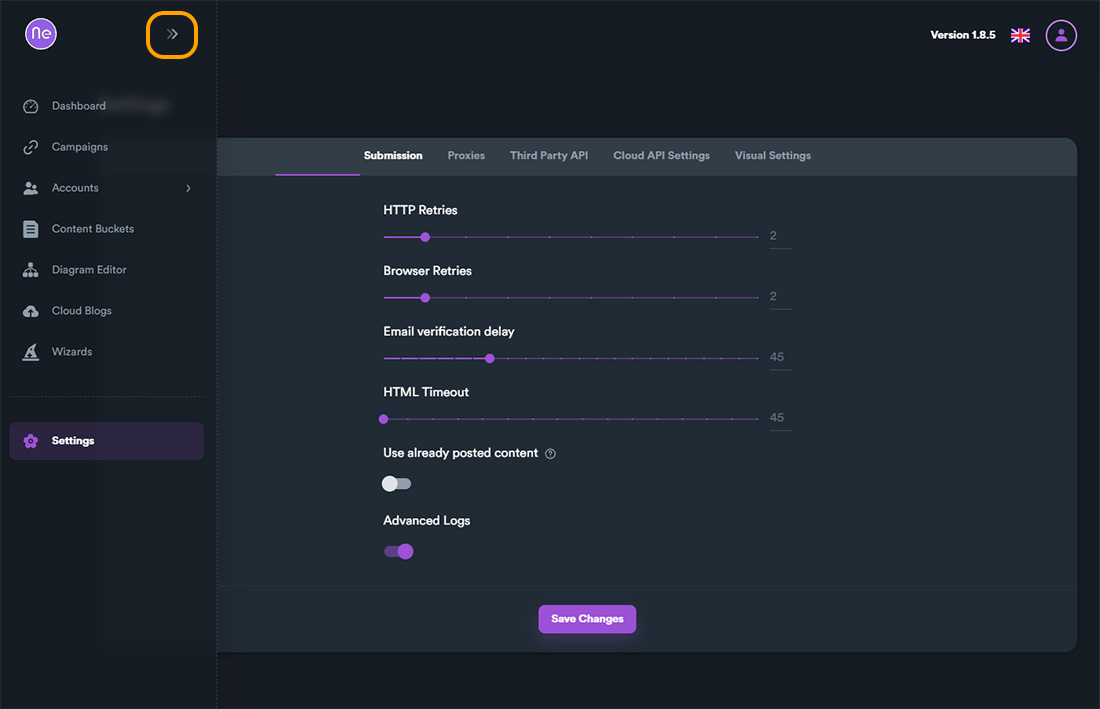
Collapse Menu
Click to collapse the menu for more workspace:
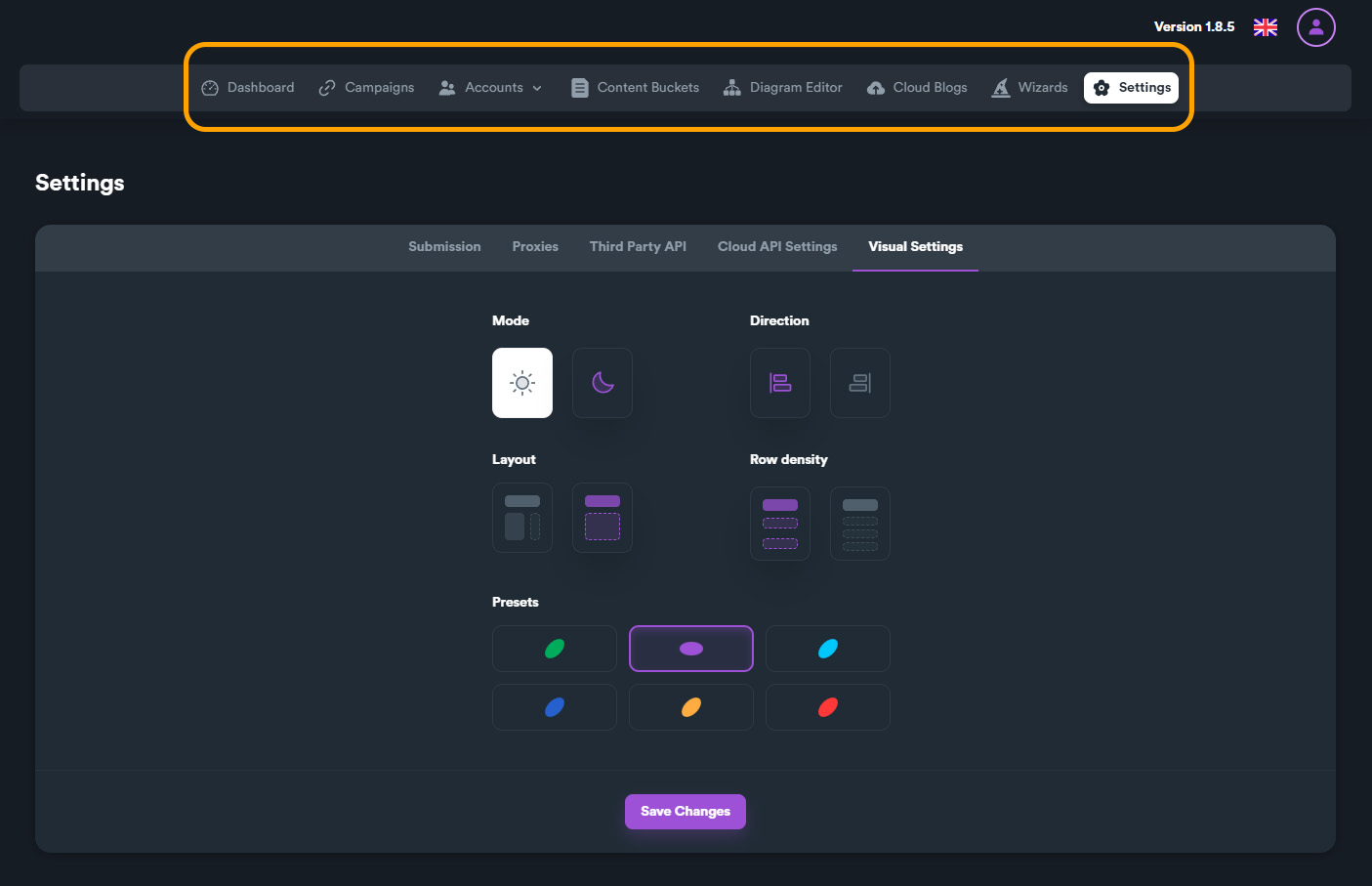
Top Layout Menu
Access quick settings and options:
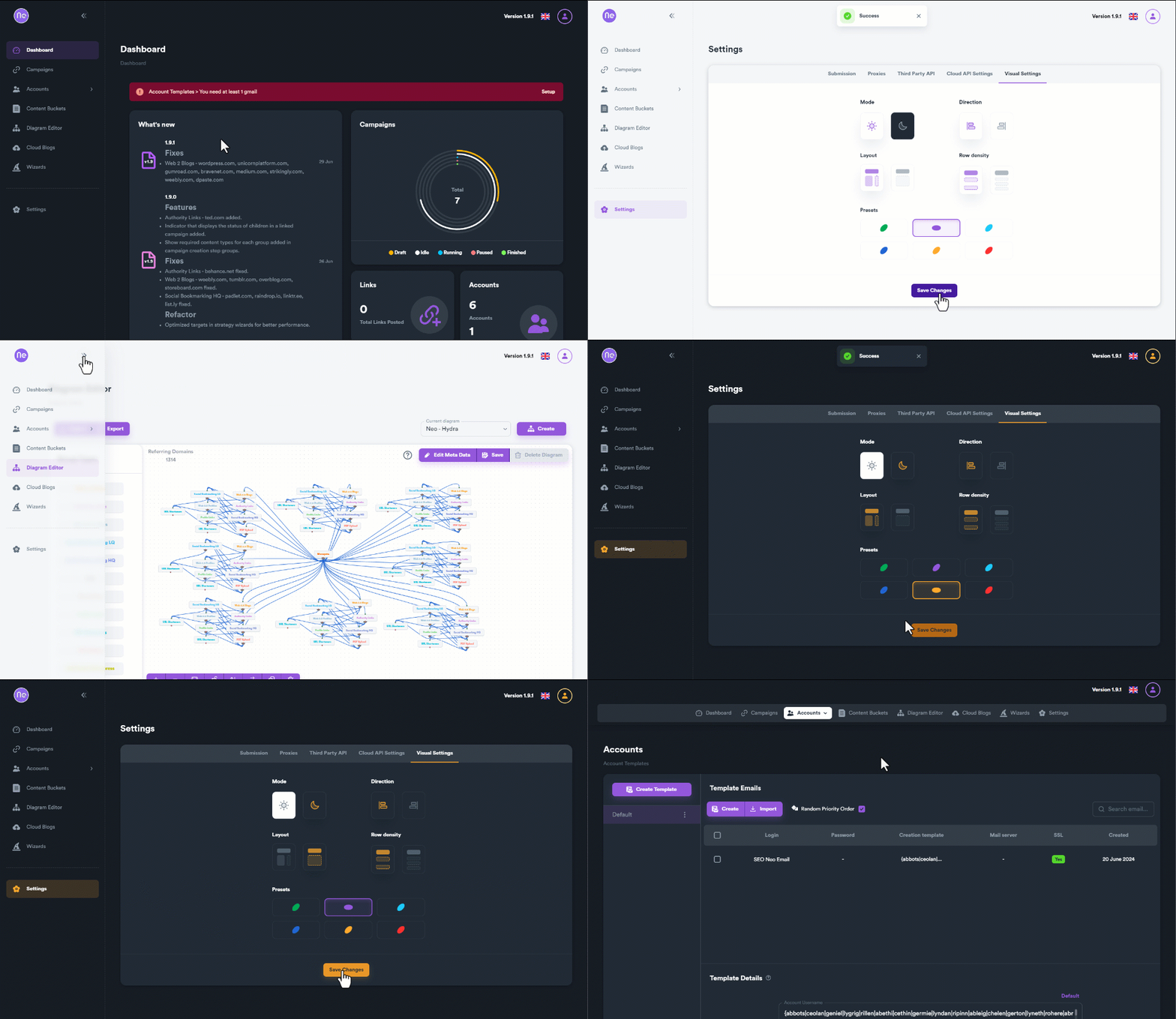
Visual Settings
Customize your interface appearance:
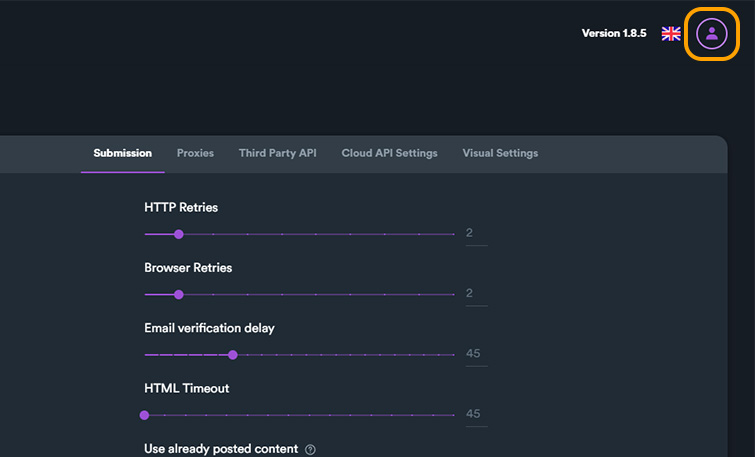
Account Menu
Access important links and account settings:
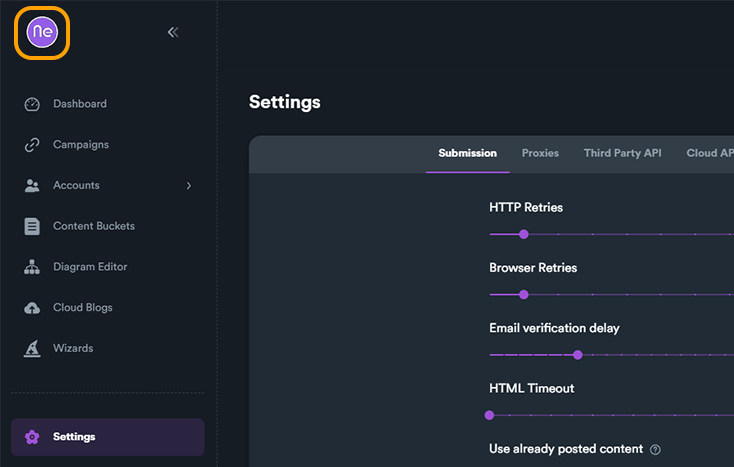
Logo Button
Click the logo to return to dashboard:
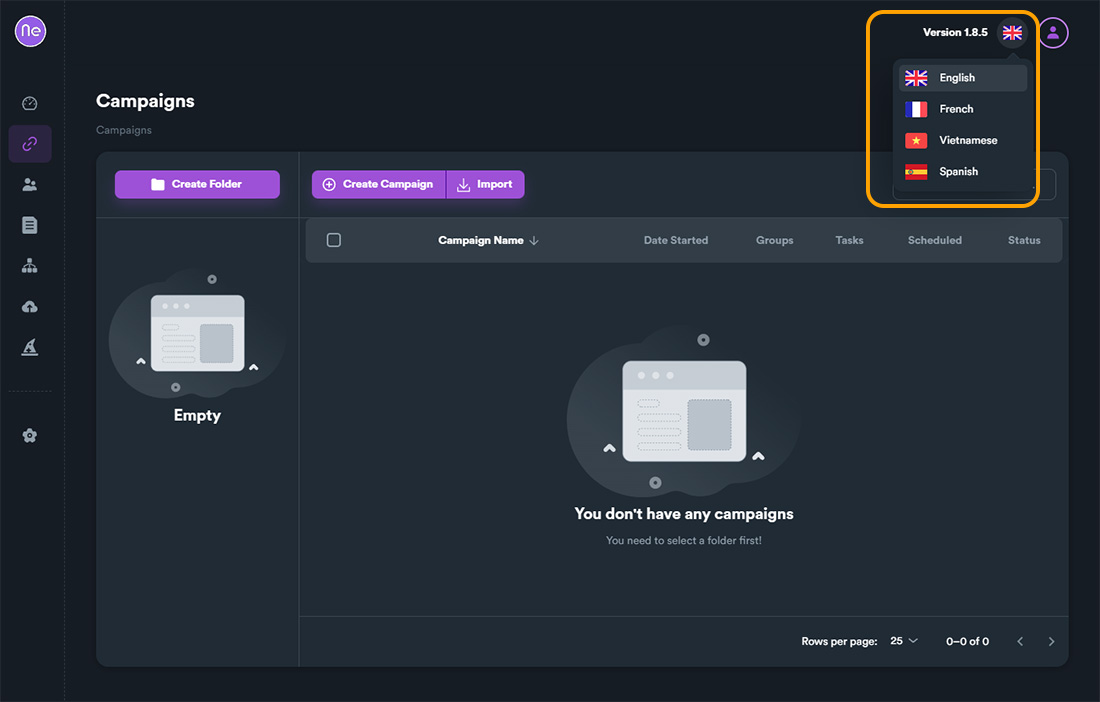
Language Selector
Change the interface language:
Dashboard
The dashboard shows important information at a glance:
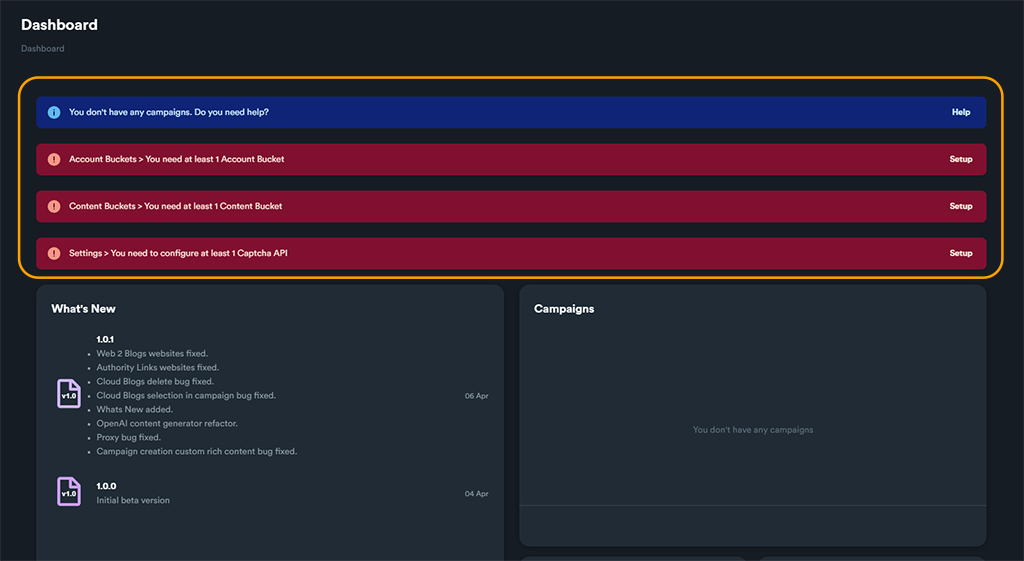
Notifications
Stay updated with system notifications:
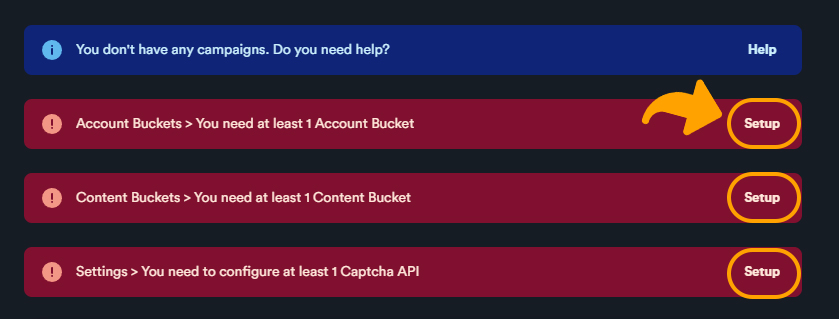
Resolve Issues
Quickly fix any problems:
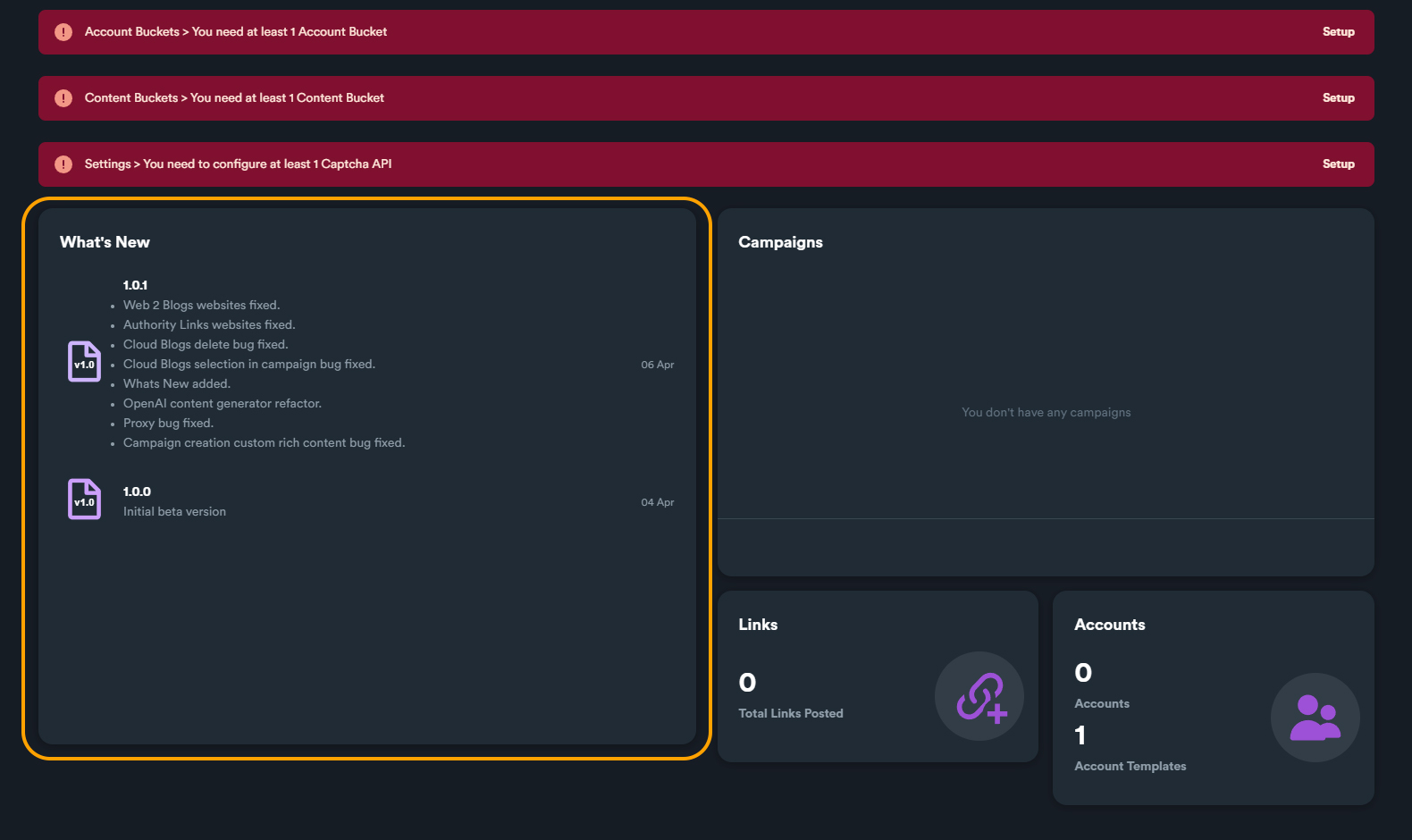
What's New
See the latest updates:
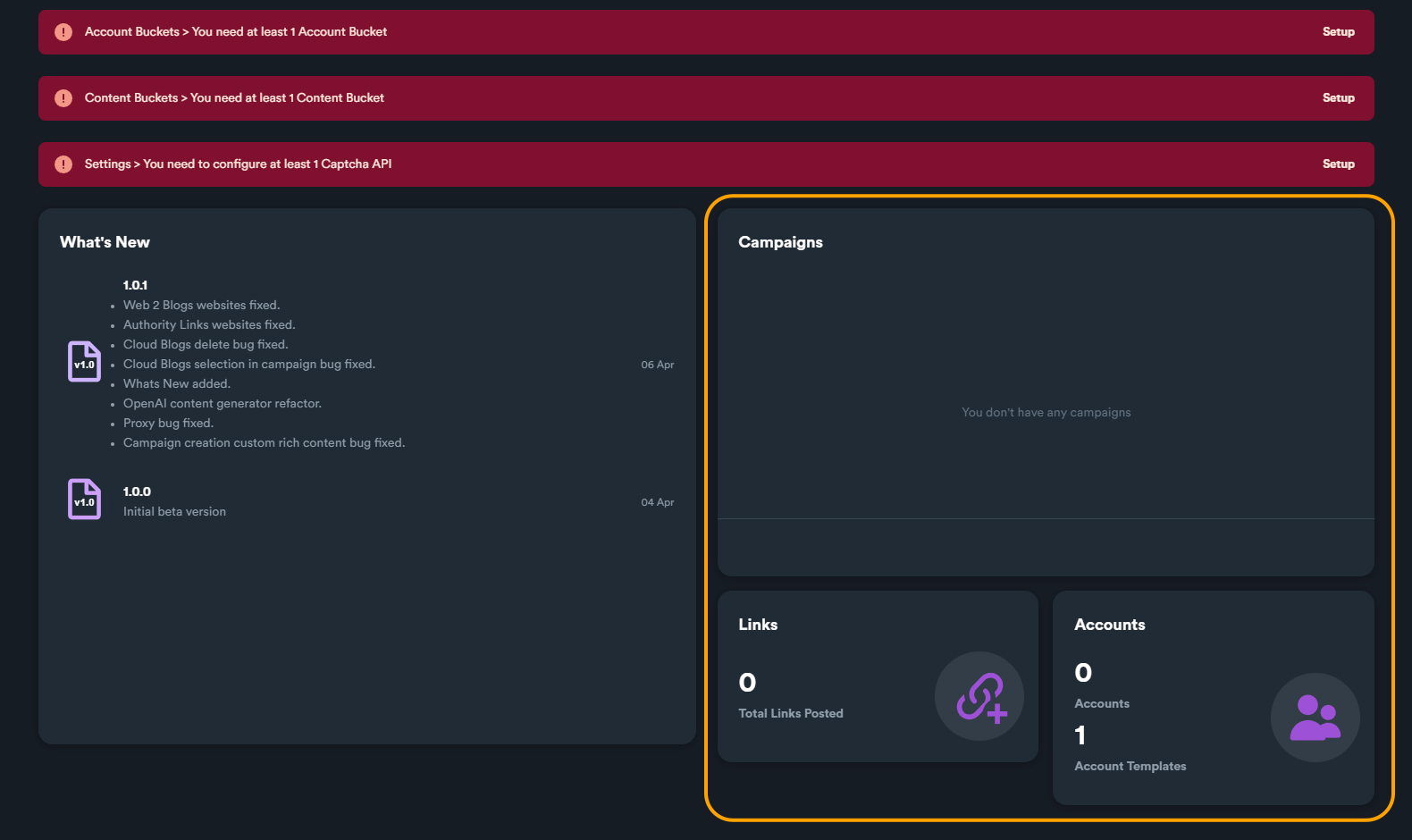
Statistics
Track your performance:
Quick Start Checklist
- Set up API keys - Configure captcha, OpenAI, and other services
- Import accounts - Add your email accounts for Web 2.0
- Create content buckets - Prepare your articles and content
- Build diagrams - Design your link building strategy
- Launch campaigns - Start building links!
Next Steps
- Installation Guide - Install and configure SEO NEO
- Basic Concepts - Learn core terminology
- Your First Campaign - Create your first campaign