
Campaign Creation
Campaigns are the heart of SEO NEO. This guide covers everything you need to know about creating and managing link building campaigns.
Campaigns Overview
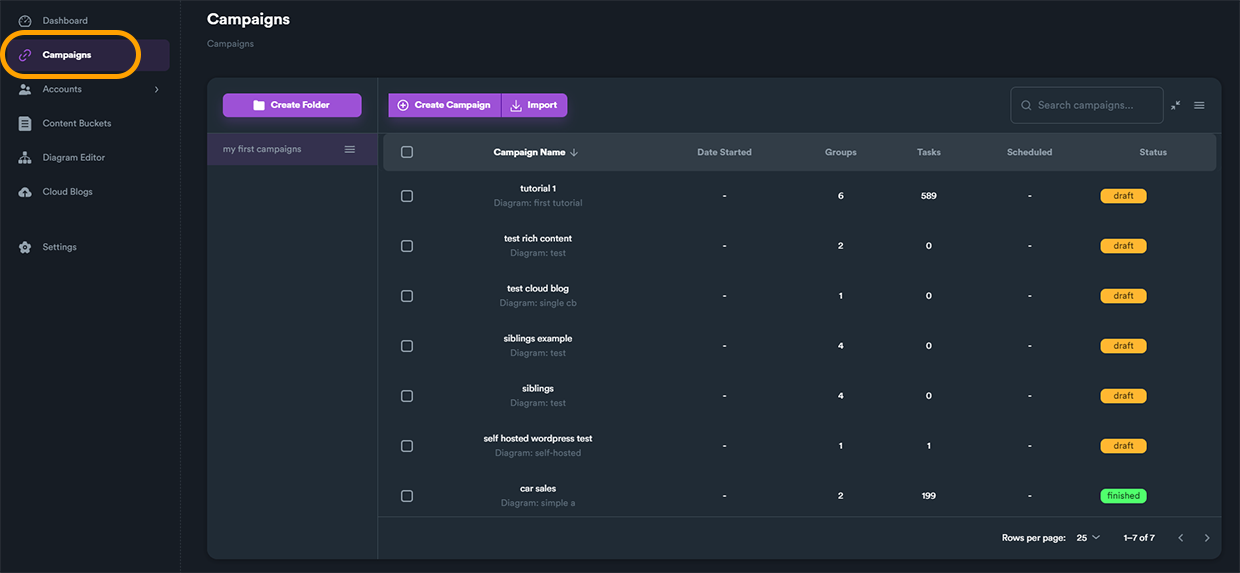
The campaigns screen shows all your active and completed campaigns:
Creating a New Campaign
Starting a New Campaign
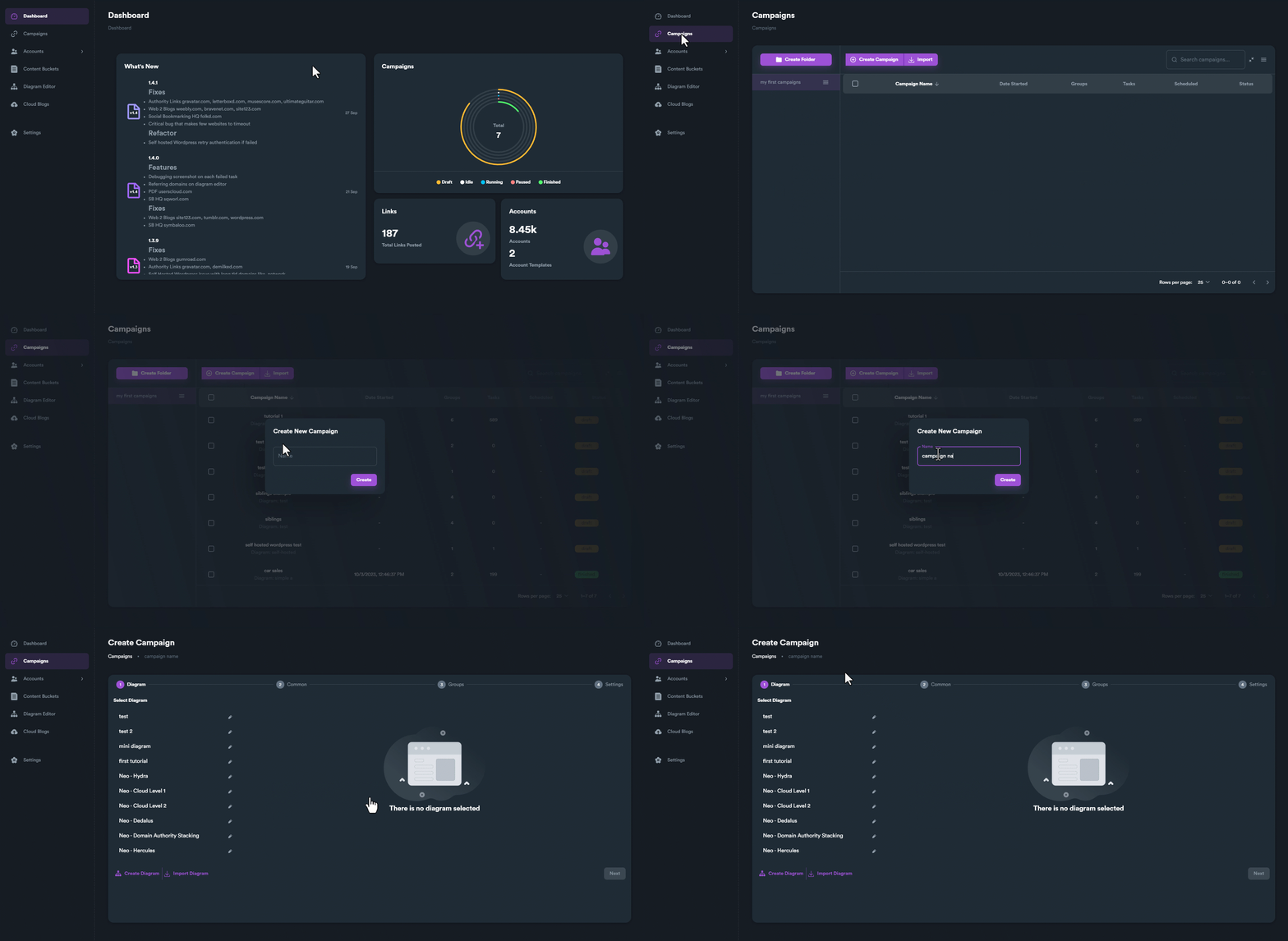
Click "Create Campaign" to begin the wizard:
Campaign Creation Form
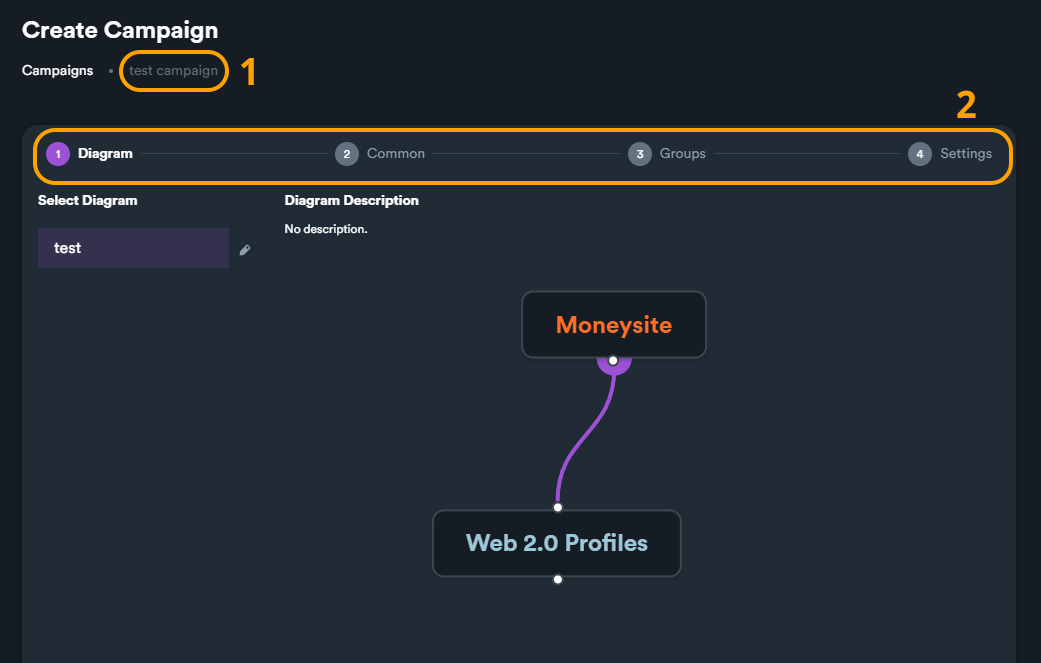
Fill in your campaign details:
Campaign Details
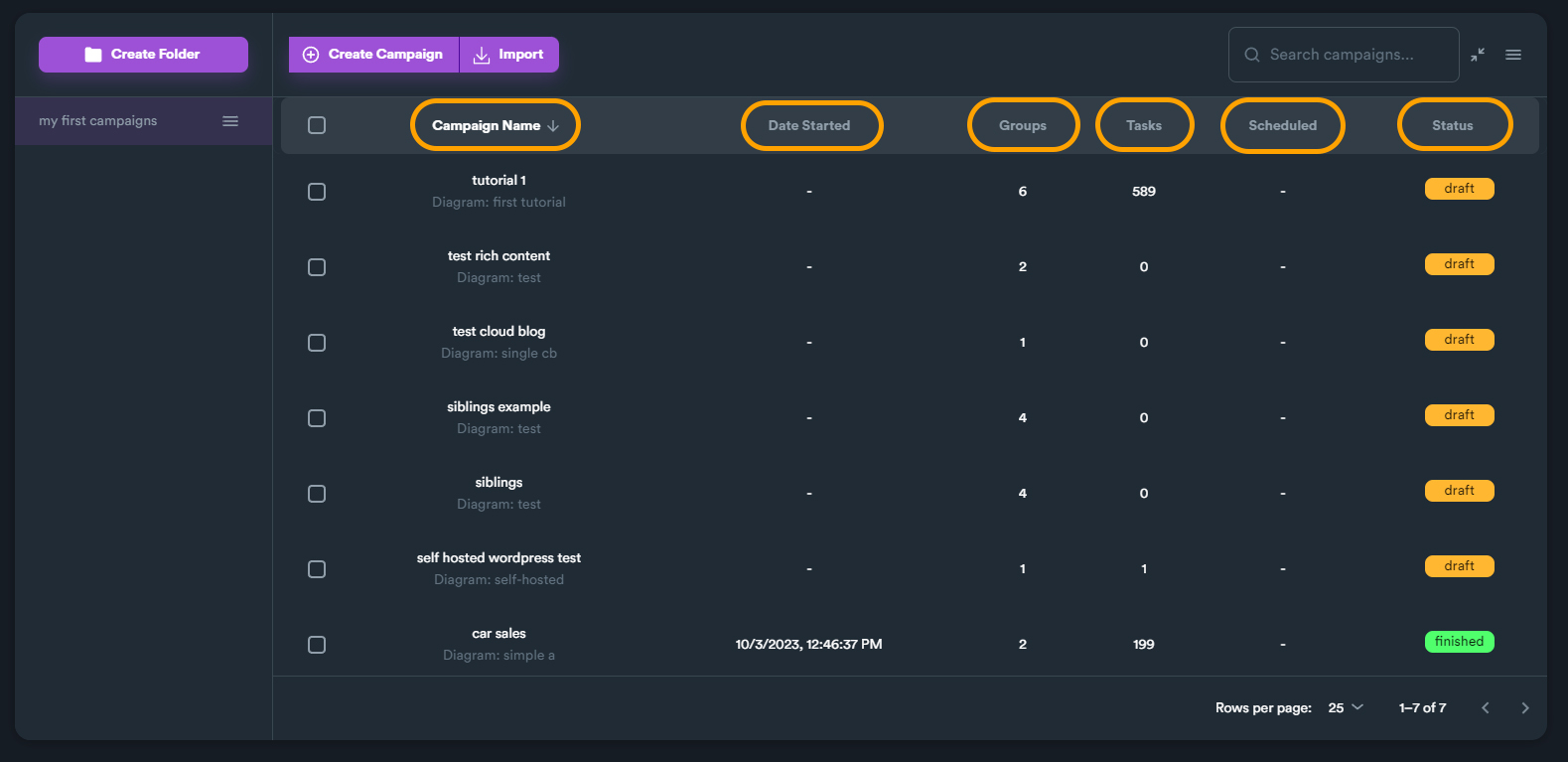
Each campaign shows detailed information:
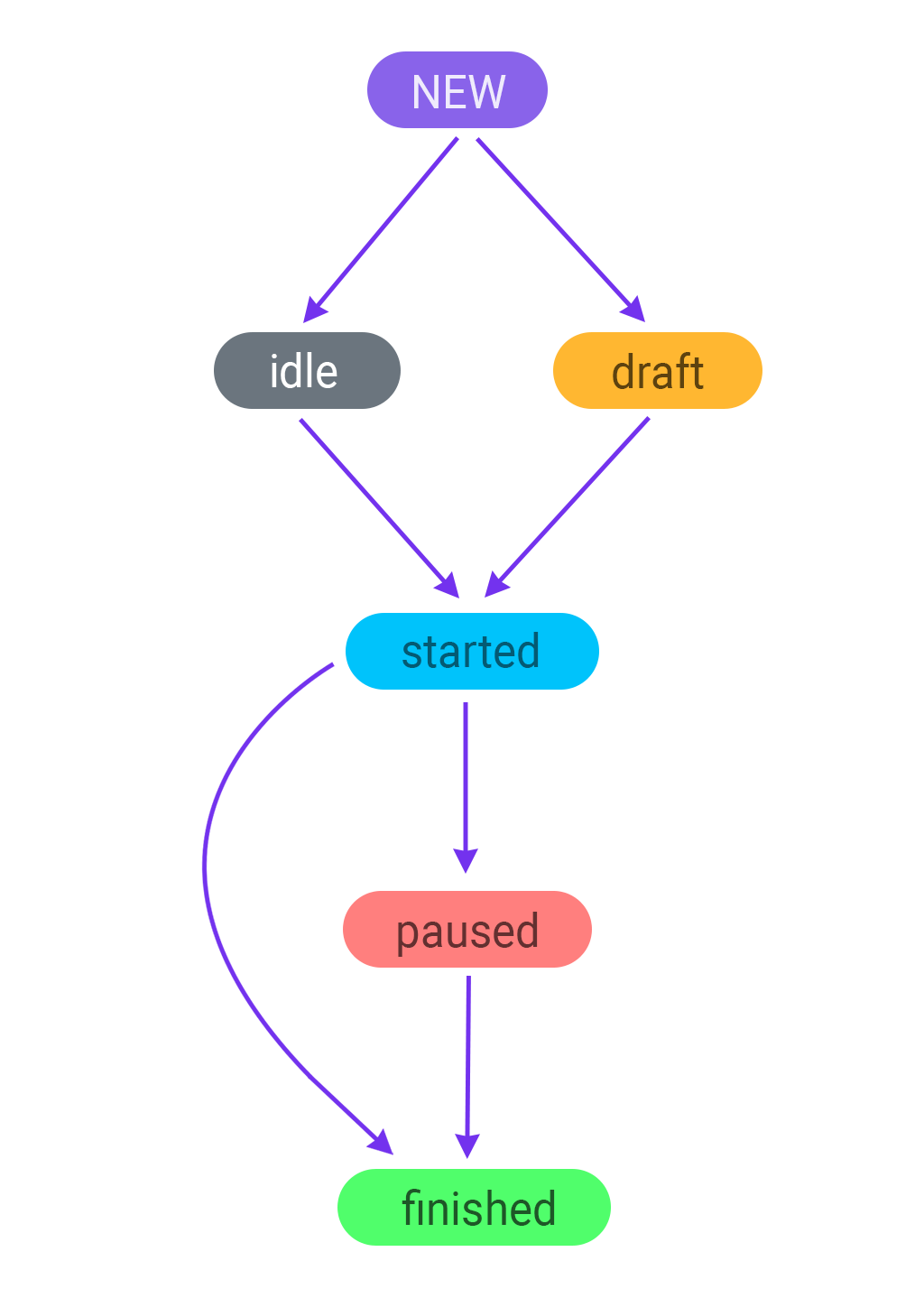
Campaign Status
Monitor your campaign status:
Organizing Campaigns
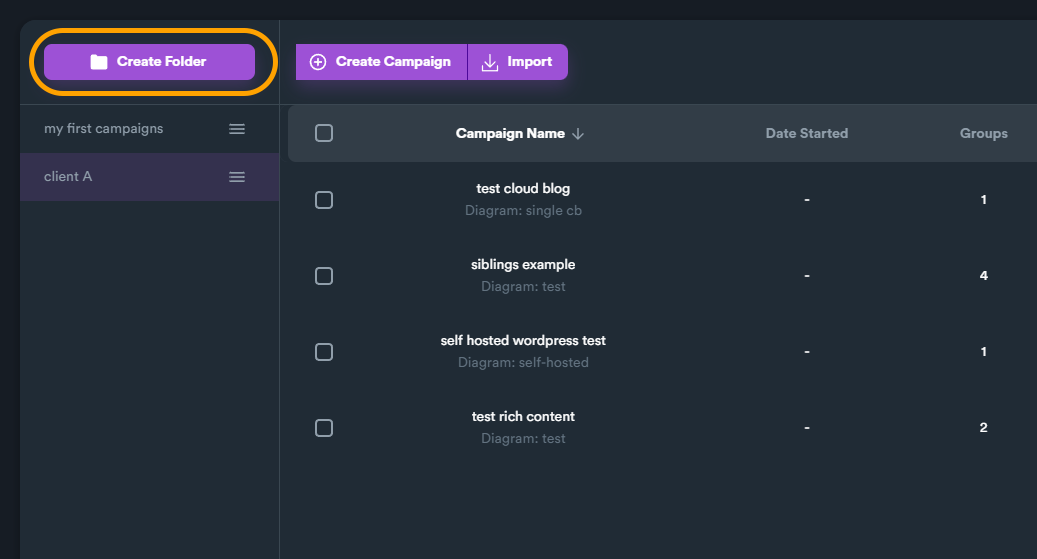
Campaign Folders
Keep campaigns organized with folders:
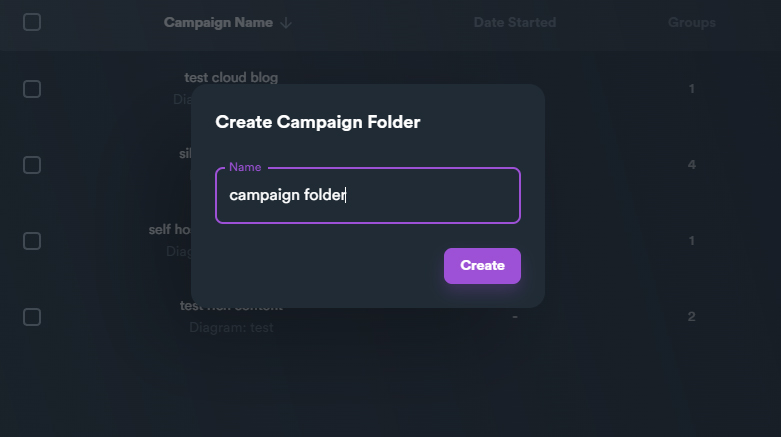
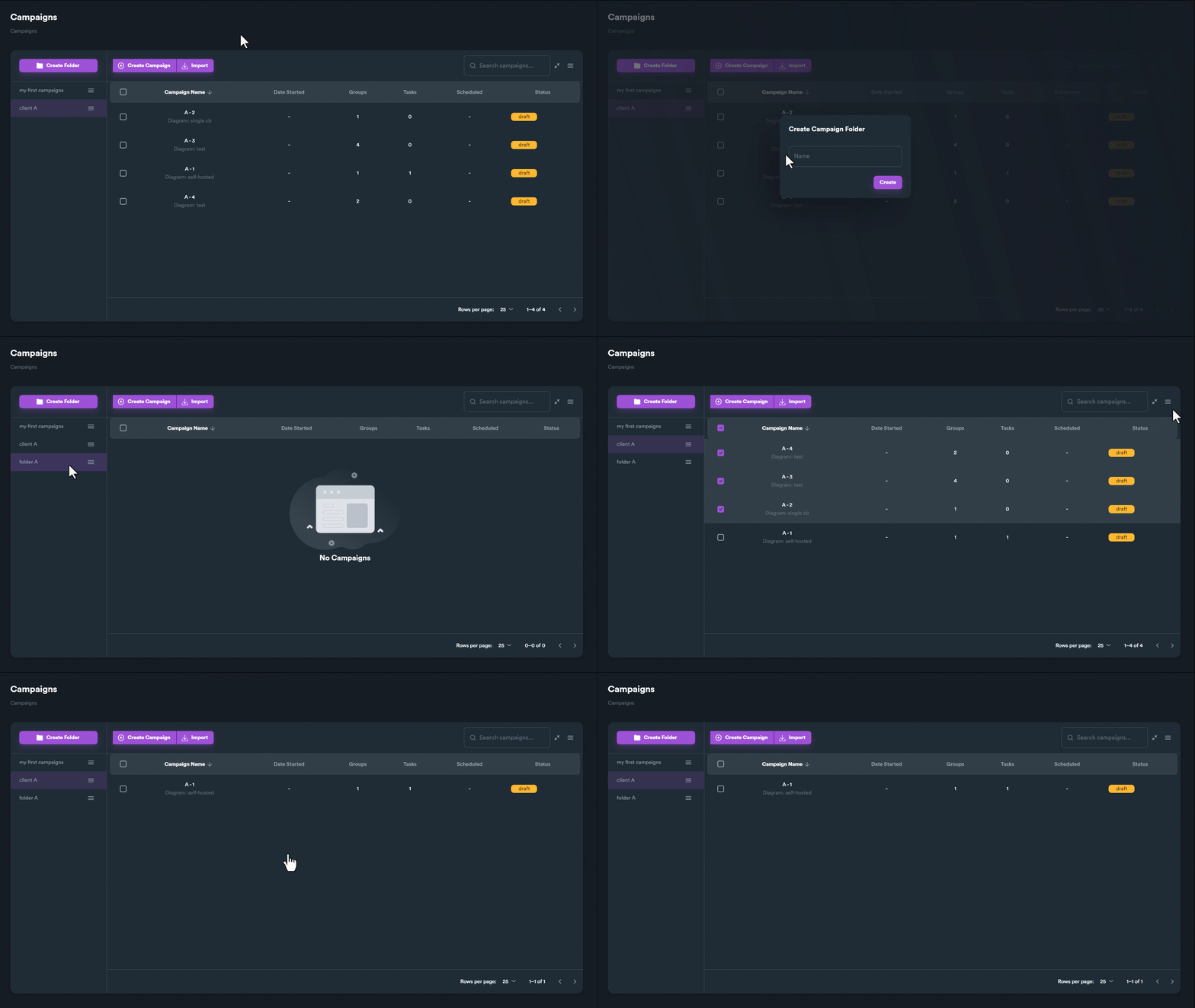
Creating Folders
Create and organize folders:
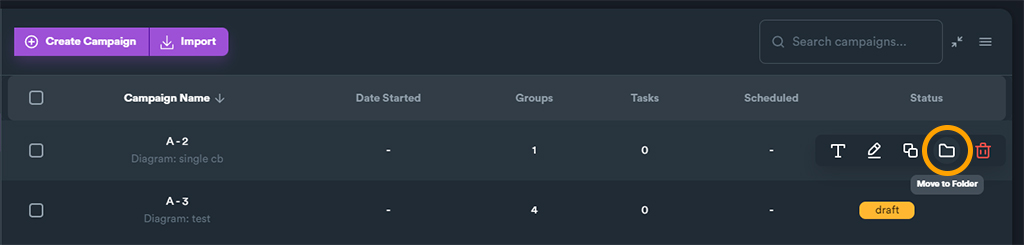
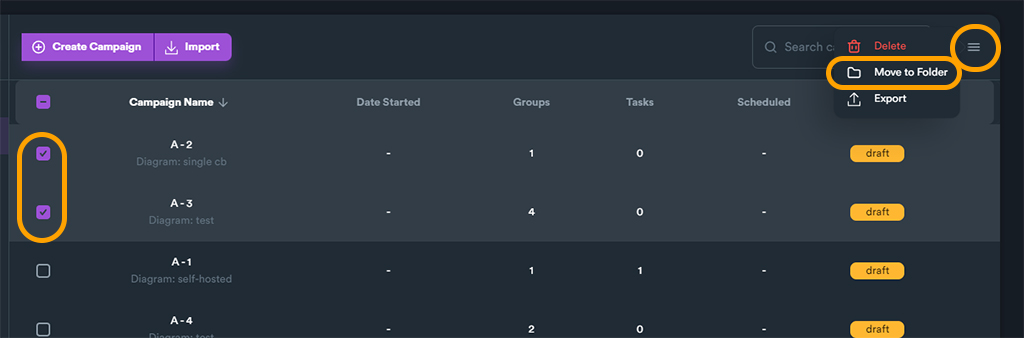
Moving Campaigns to Folders
Drag and drop to organize:
Import/Export Campaigns
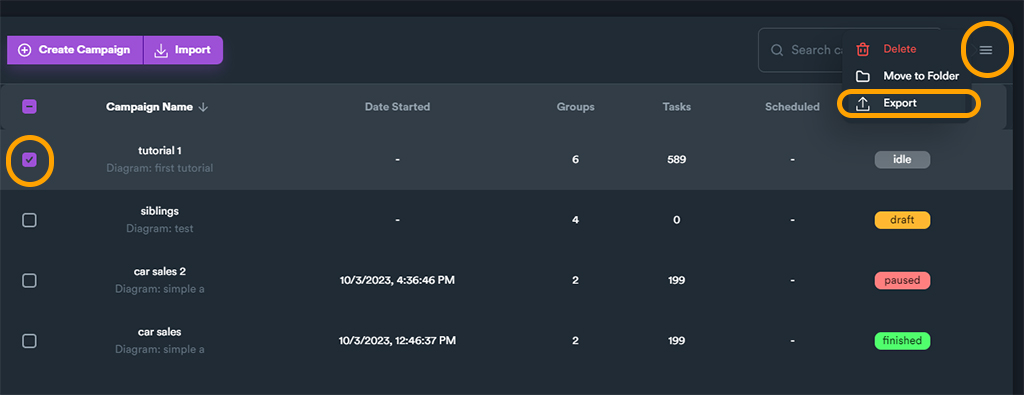
Exporting Campaigns
Export campaigns for backup or sharing:
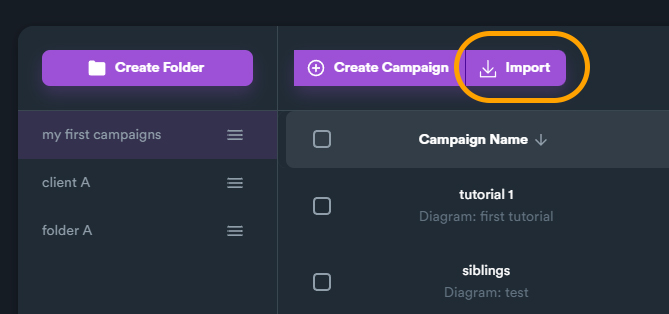
Importing Campaigns
Import campaigns from files:
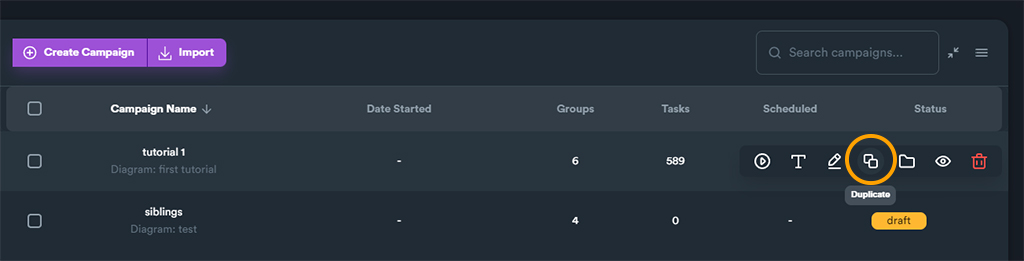
Duplicating Campaigns
Quickly duplicate existing campaigns:
Best Practices
- Organize by client or project - Use folders to keep campaigns sorted
- Name campaigns descriptively - Include client name, niche, and date
- Regular backups - Export important campaigns periodically
- Monitor status - Check campaign progress daily
Next Steps
- Configure Settings - Set up proxies and API keys
- Create Content Buckets - Prepare your content
- Build Diagrams - Design your link structure