
Heatmap Scheduling
Heatmap Scheduling allows you to automatically track your Google Business Profile rankings over time with visual heatmaps.
GBP Module Overview
The GBP module provides powerful tracking and analysis:
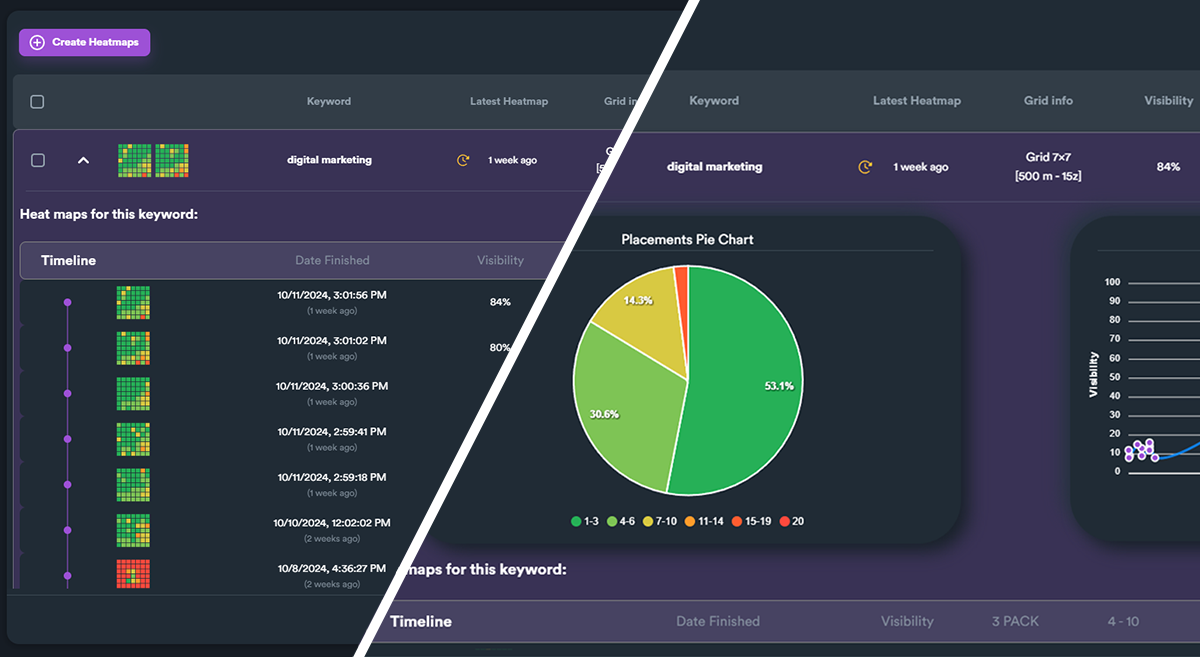
Managing Projects
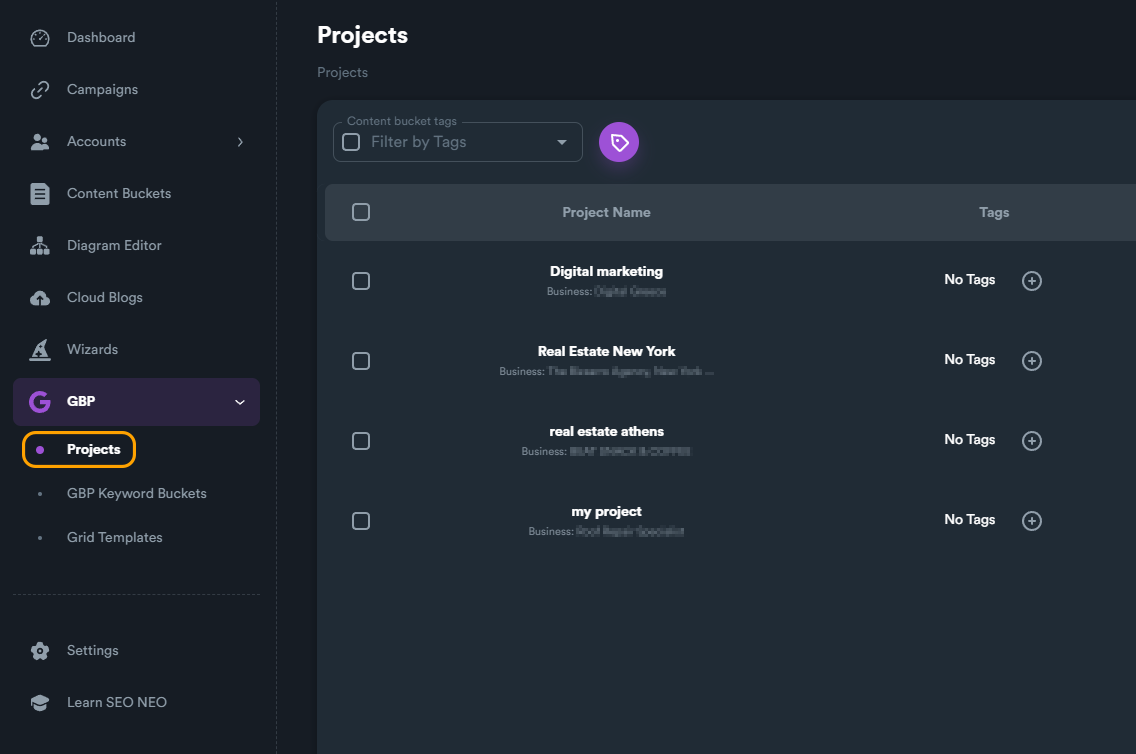
Projects Screen
View all your GBP projects:
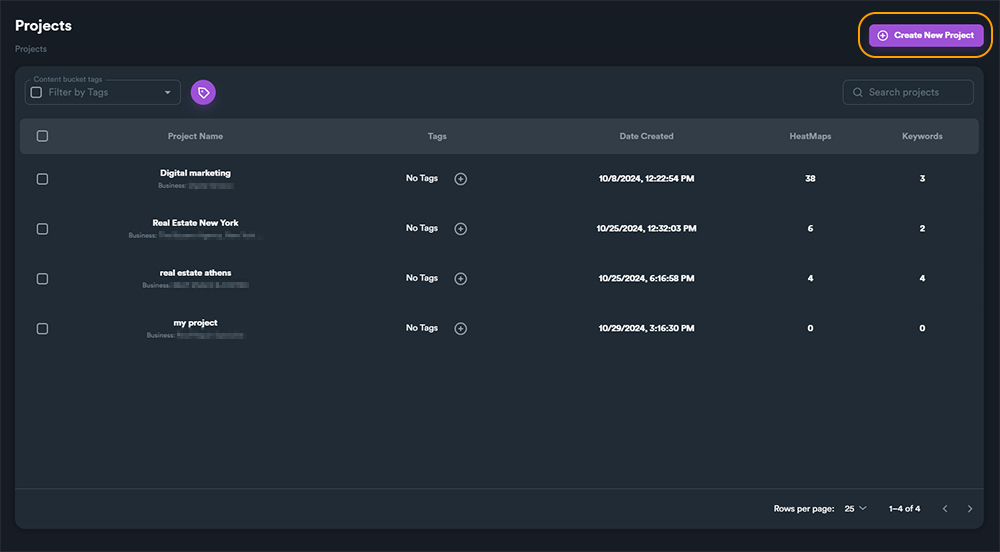
Creating a New Project
Click "Create New Project":
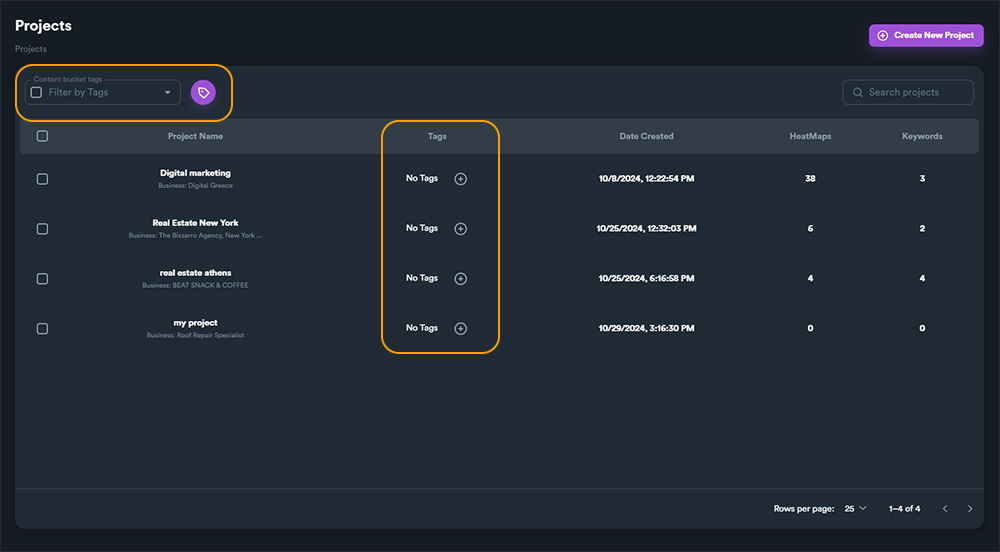
Project Tags
Organize projects with tags:
New Project Window
Configure your new project:
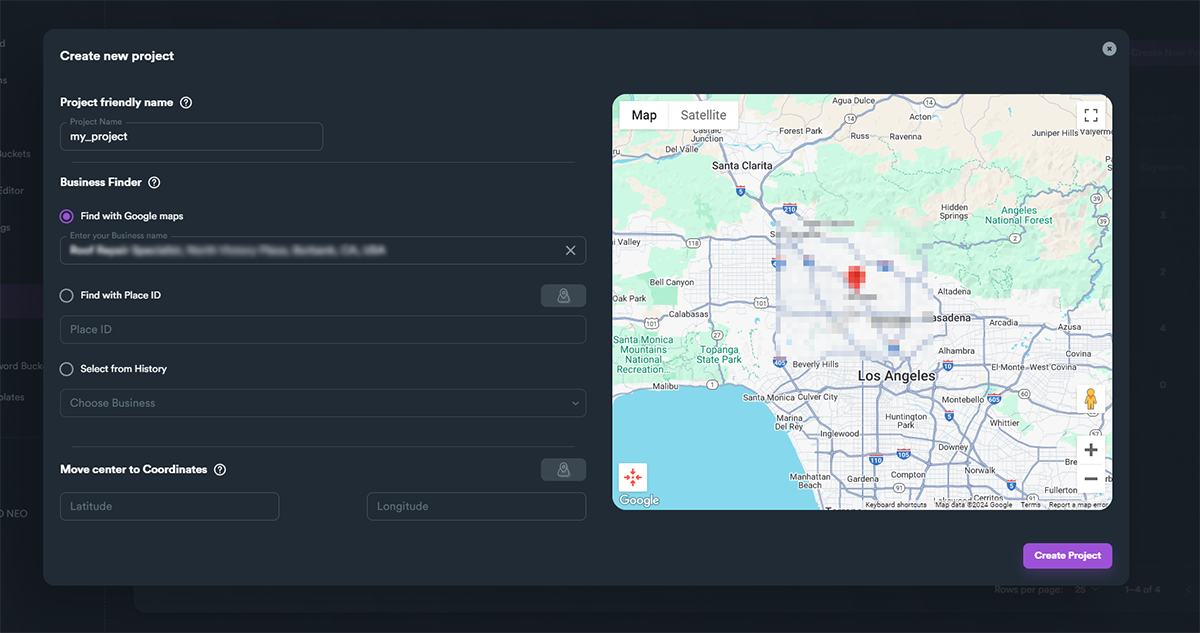
Setting Friendly Names
Add descriptive names:

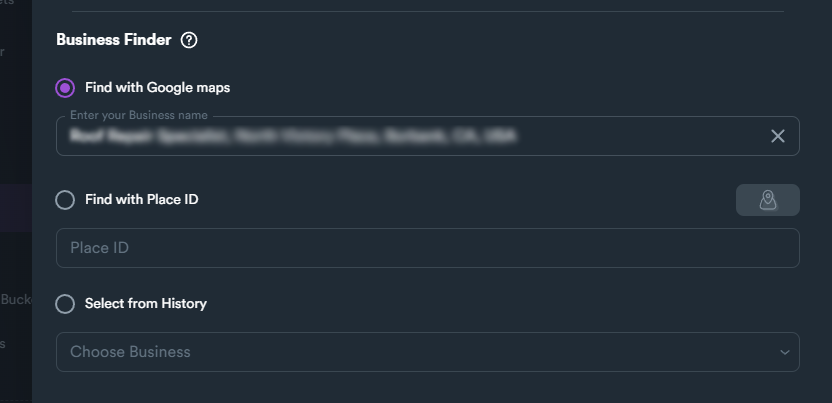
Business Finder
Find your business listing:
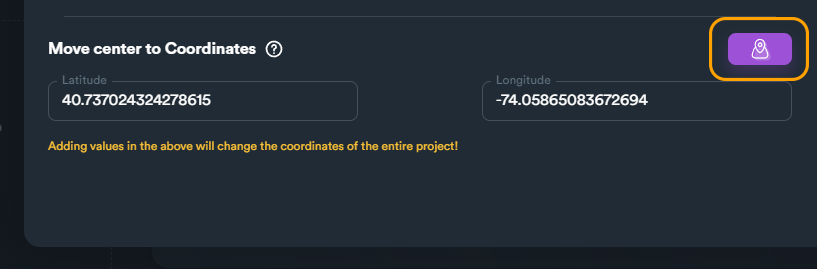
Move Center
Adjust the map center:
Duplicate Business Warning
Handle duplicate businesses:

Heatmap Results
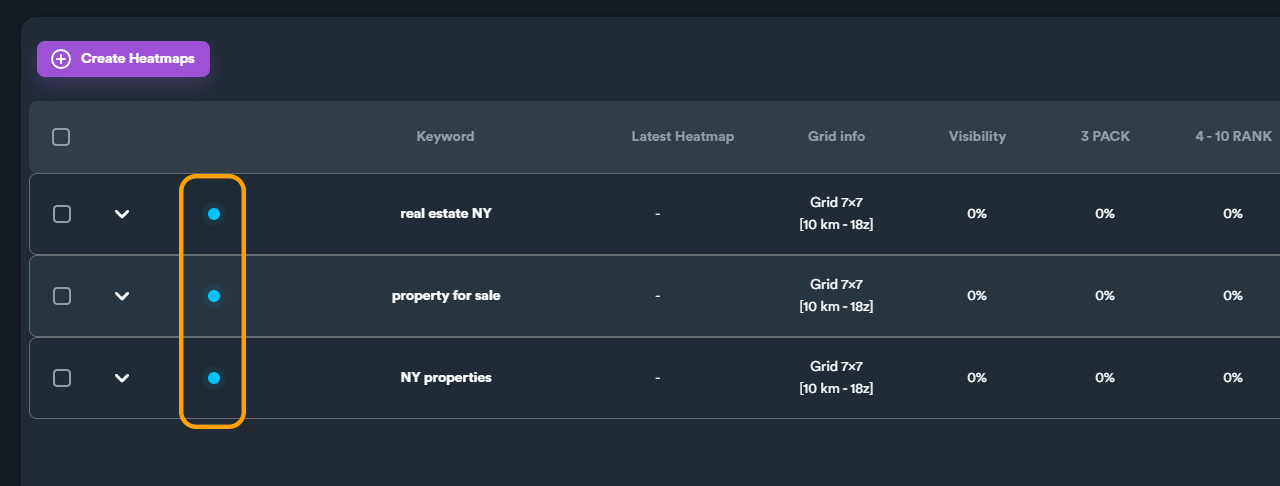
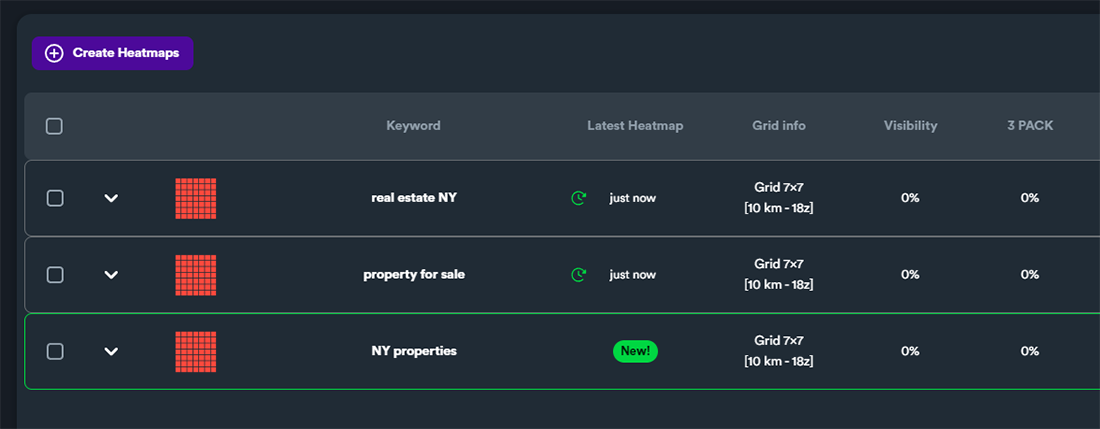
Viewing Heatmap Status
Monitor heatmap generation status:
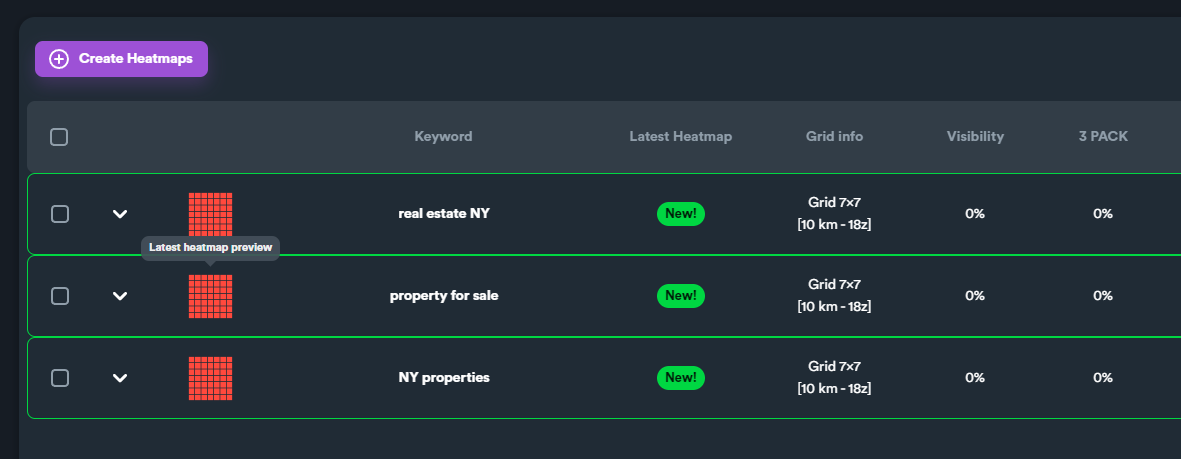
New Heatmaps
See new heatmap data:
Opened Heatmaps
View detailed heatmap data:
Heatmap Details
Explore ranking details:
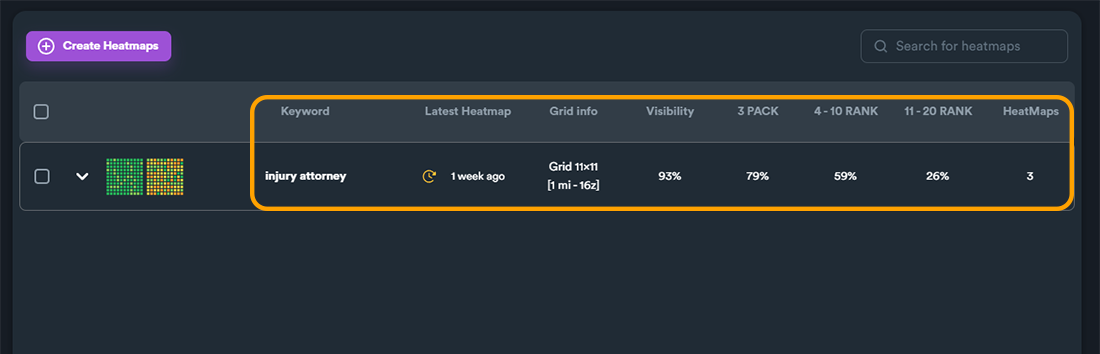
Last 2 Heatmaps
Compare recent results:
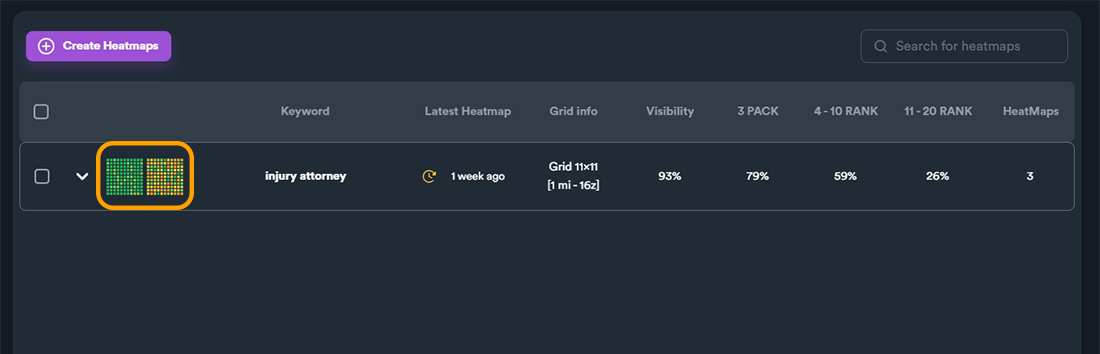
Expand Keyword View
See all keywords:
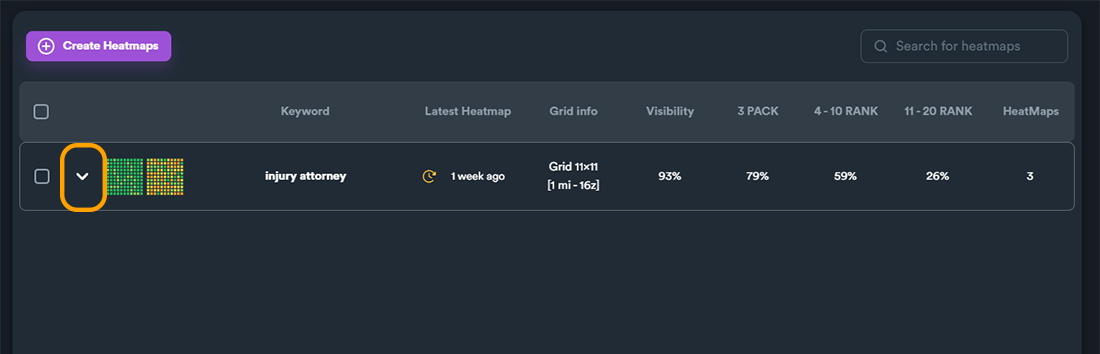
All Heatmaps for Keyword
View keyword history:
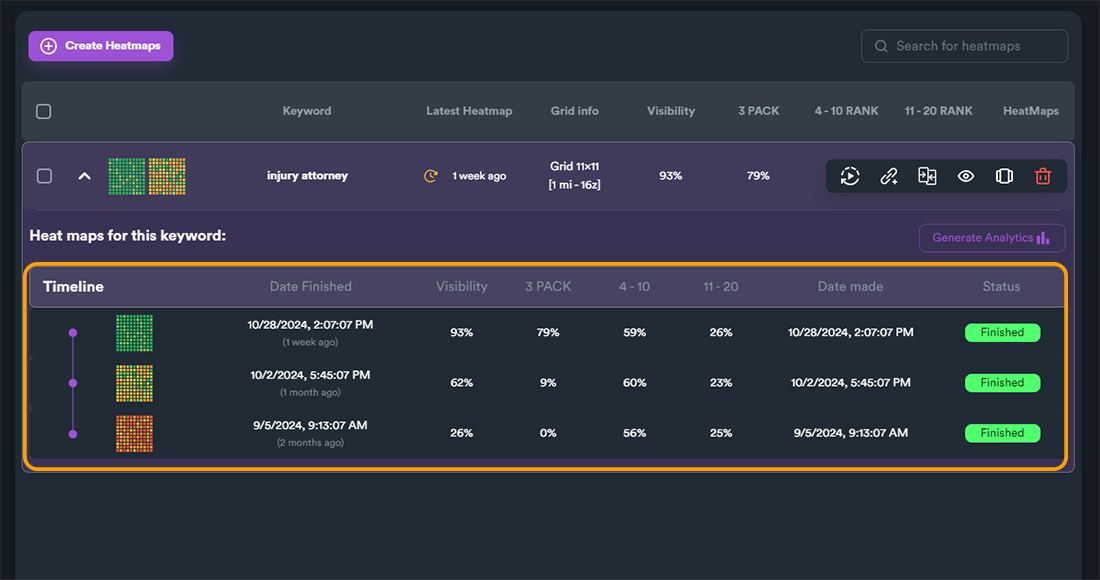
Analytics
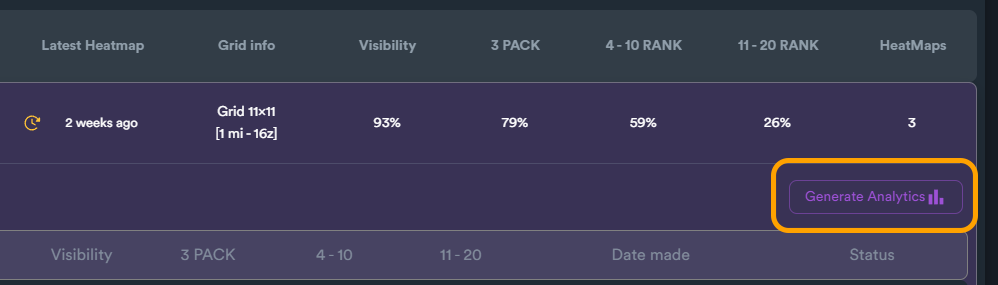
Generate Analytics
Create visual reports:
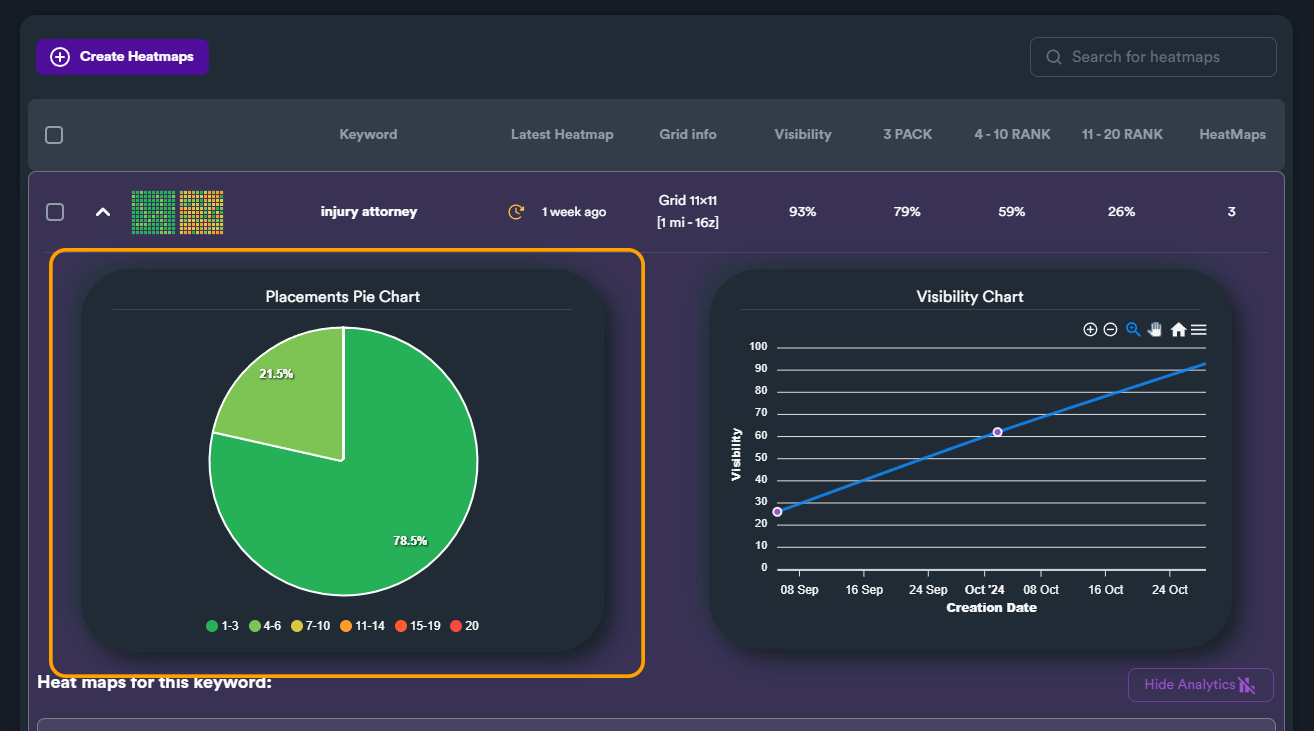
Placement Pie Chart
See ranking distribution:
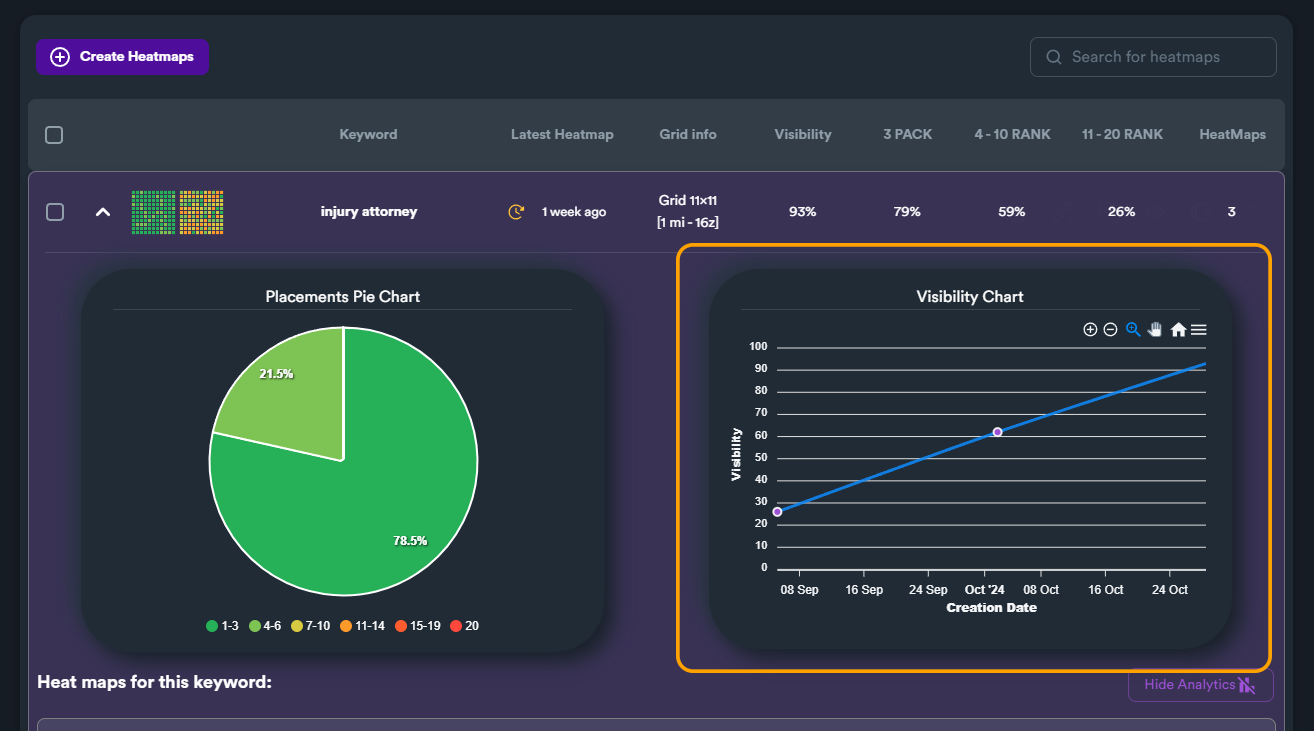
Visibility Line Chart
Track visibility over time:
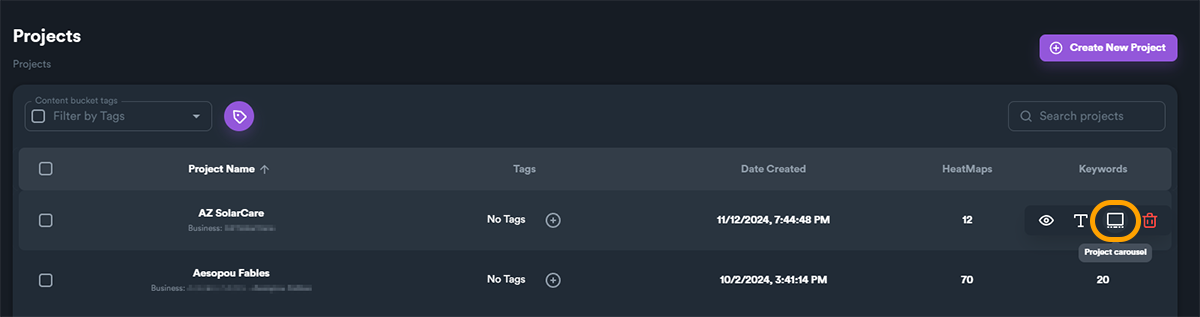
Carousel View
Access Carousel
Navigate between heatmaps quickly:
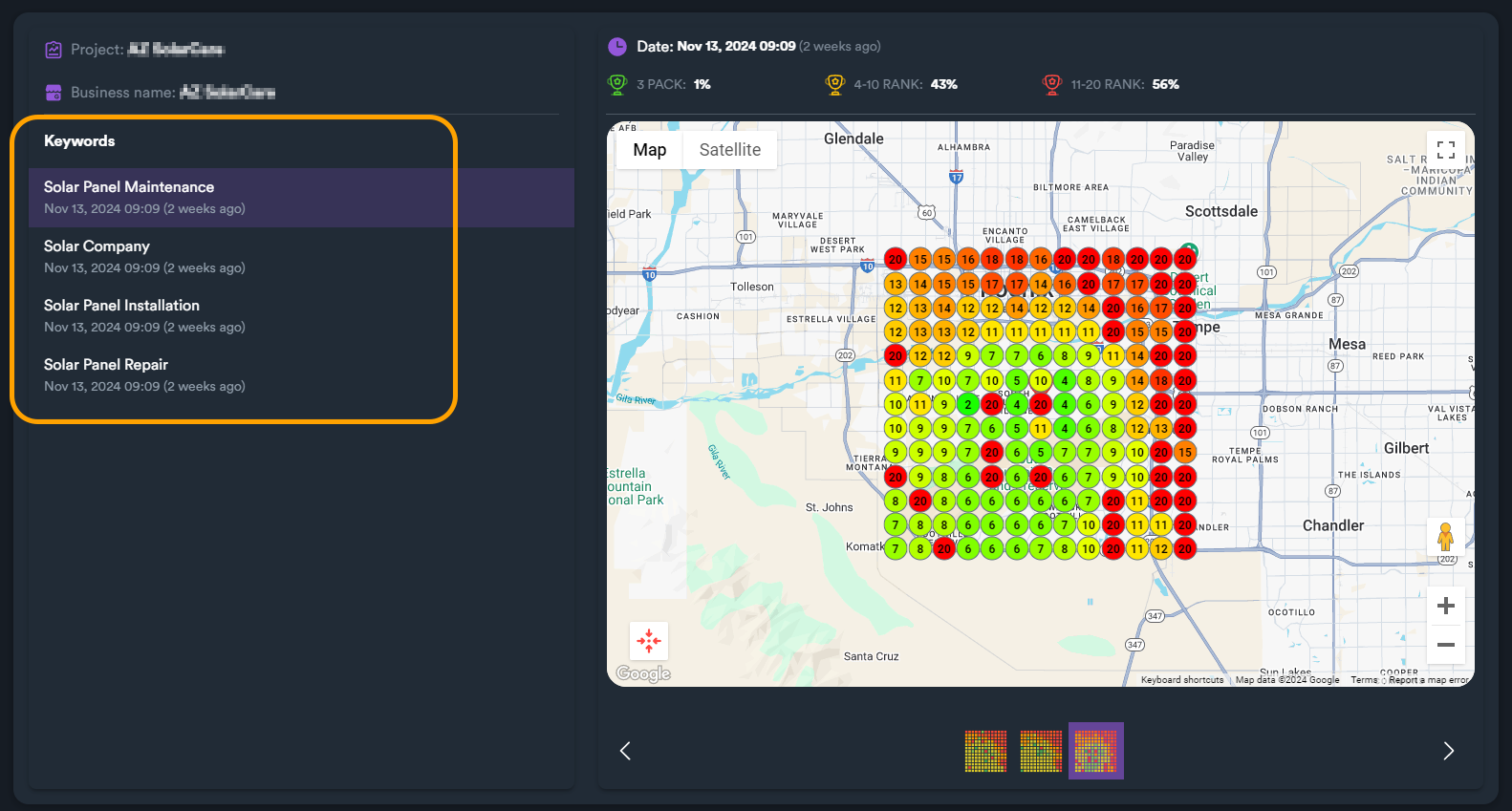
Keyword Navigation
Move between keywords:
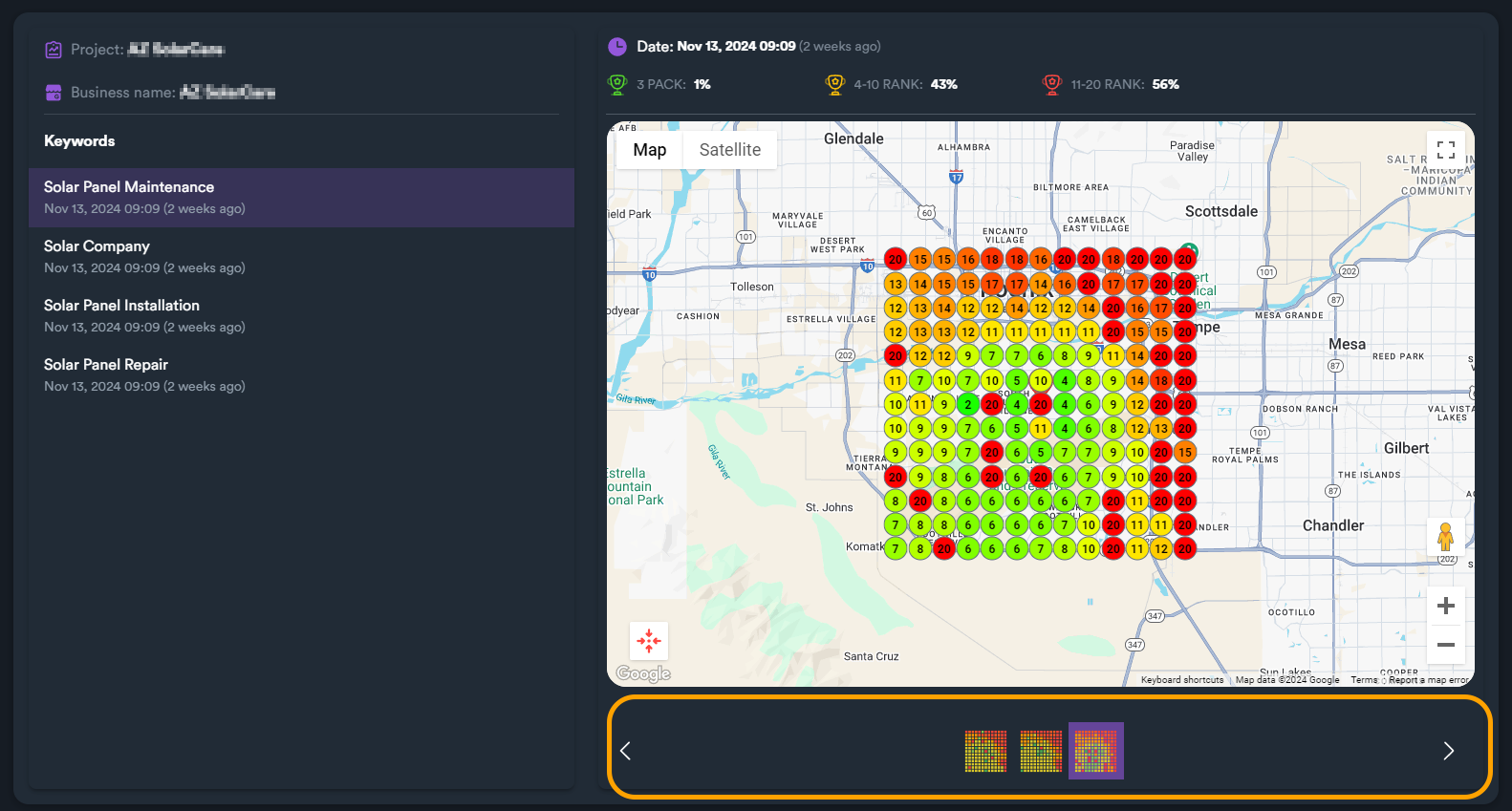
Heatmap Navigation
Compare heatmaps:
Scheduling Heatmaps
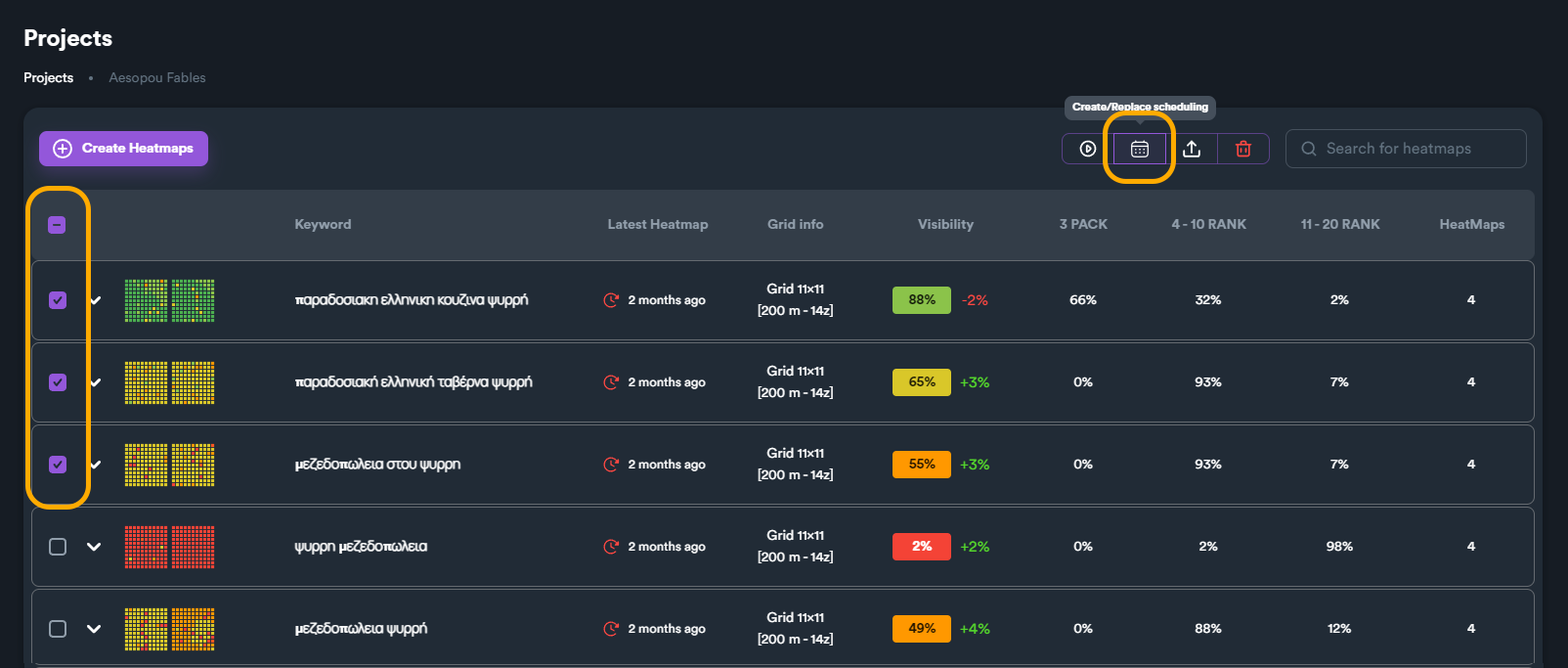
Schedule Settings
Configure automated schedules:
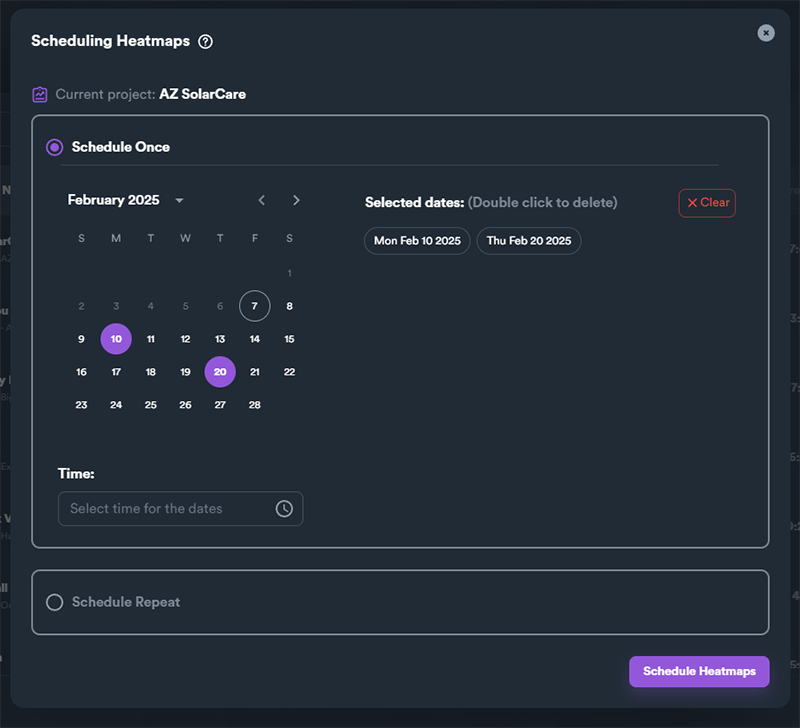
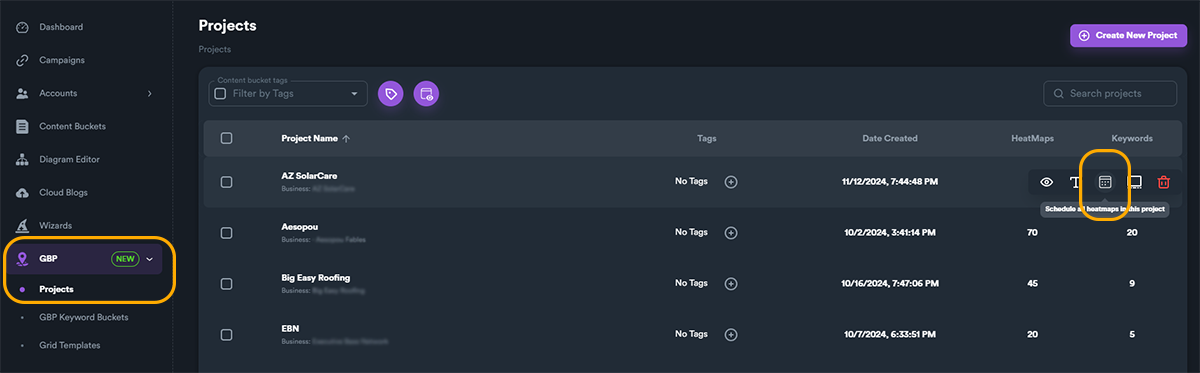
Schedule Options
Set frequency and timing:
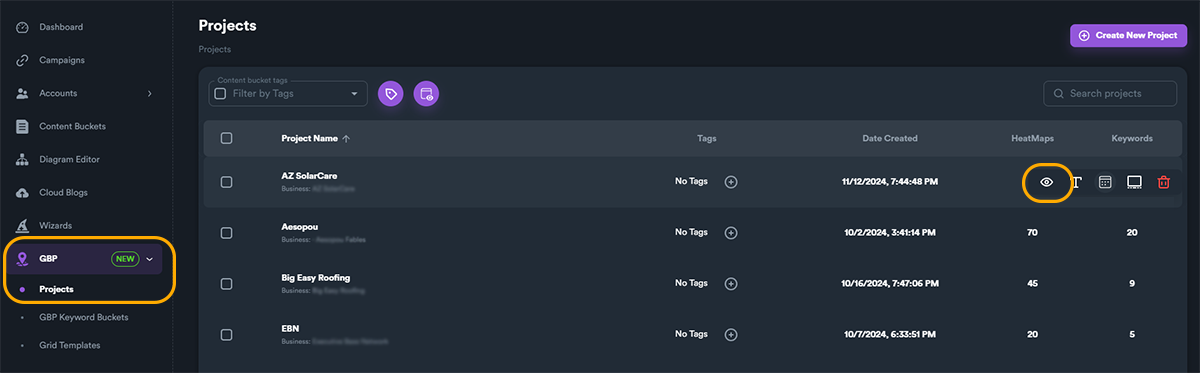
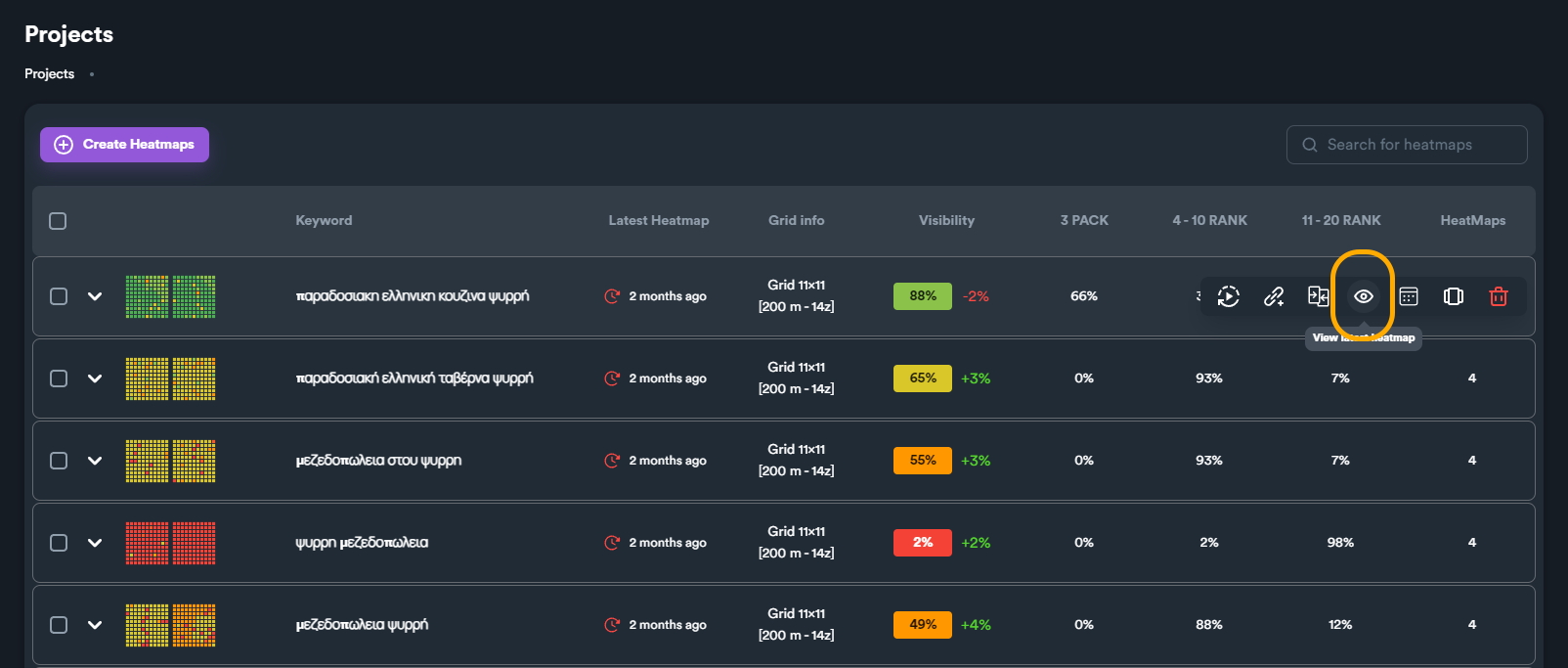
Active Schedules
View scheduled tasks:
Best Practices
- Schedule weekly heatmaps - Track ranking changes over time
- Use analytics - Generate reports to share with clients
- Compare periods - Use carousel to see before/after
- Set alerts - Get notified of significant ranking changes