
Using Wizards
Wizards are pre-built campaign templates that automate complex link building strategies. They make it easy to execute proven SEO tactics.
Accessing Wizards
Open the Wizards from the main menu:
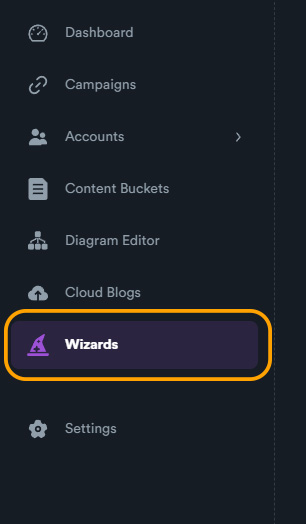
Wizard Interface
Browse available wizards:
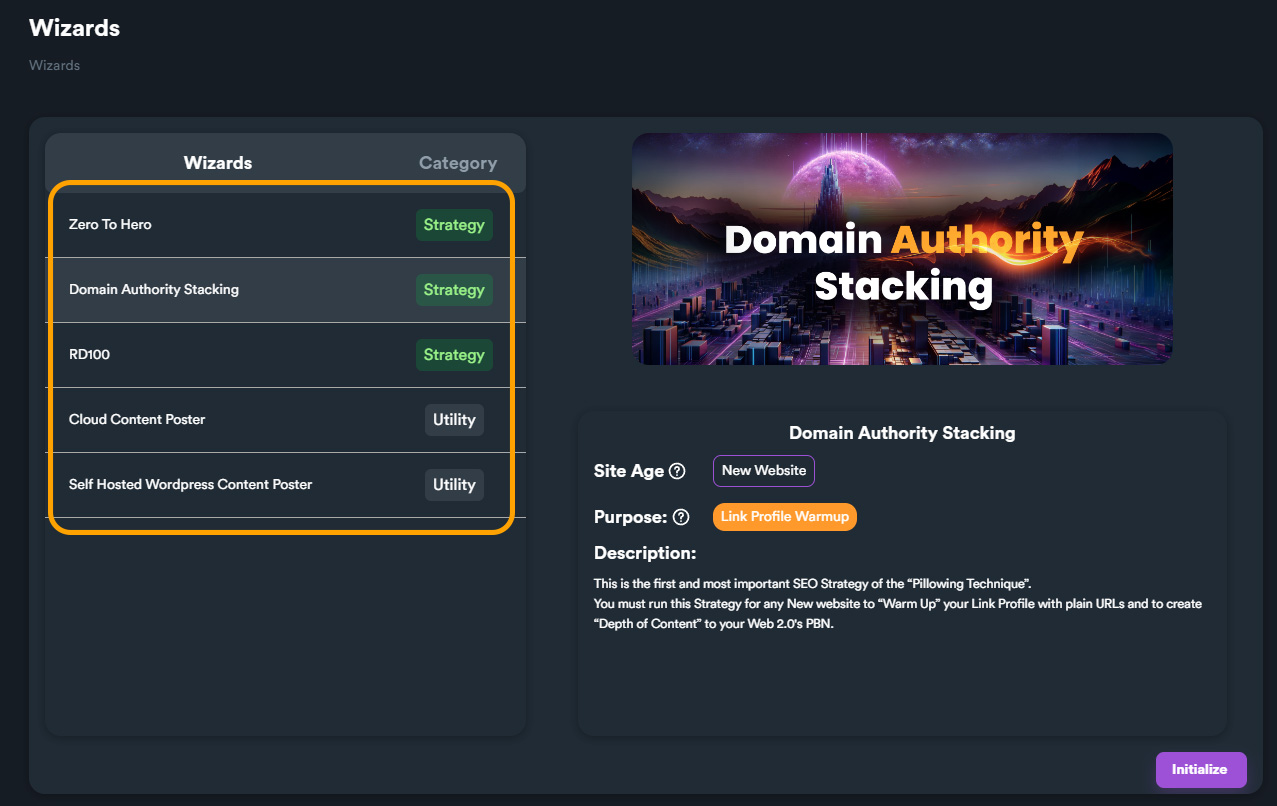
Wizard Types
Different wizards for different strategies:
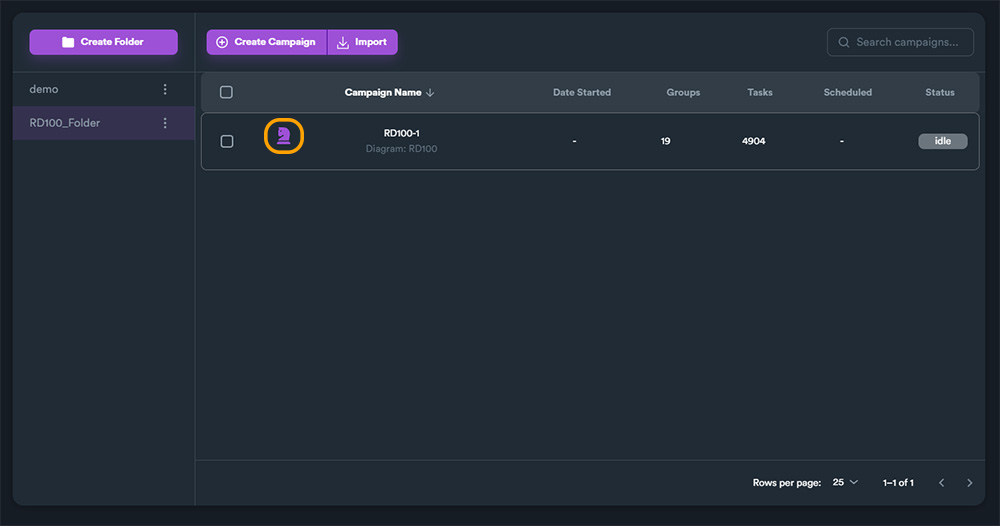
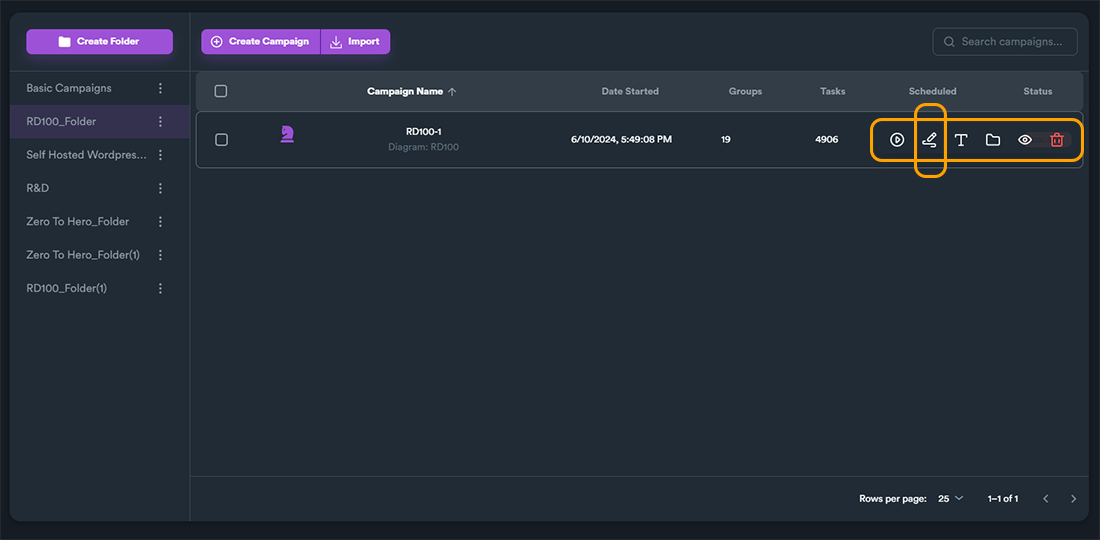
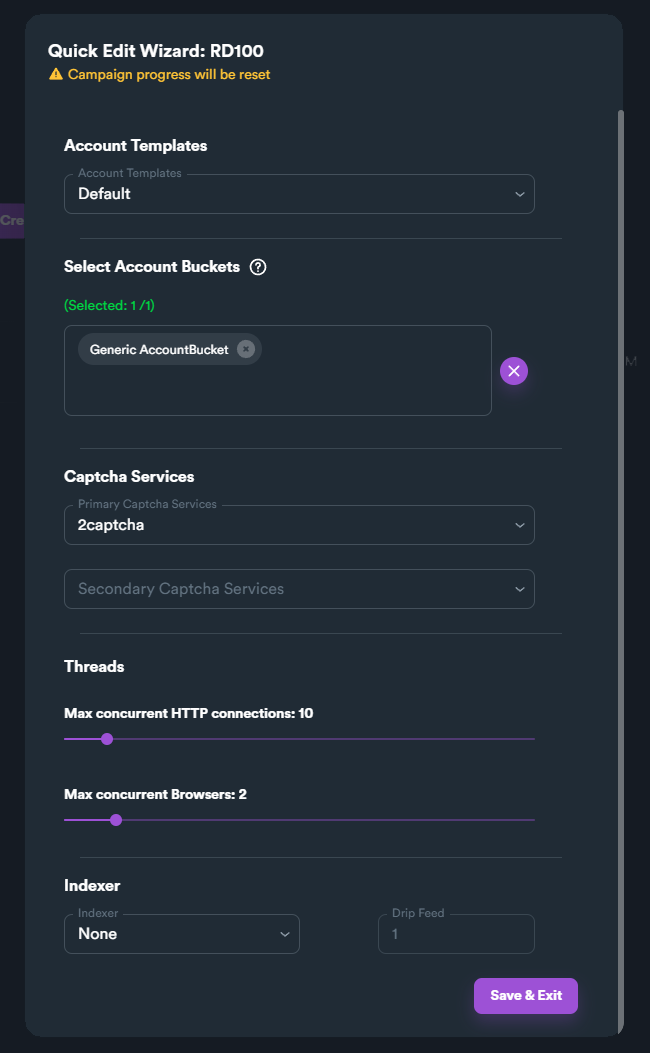
Quick Edit
Make quick adjustments:
Zero to Hero Options
Configure Zero to Hero wizard:
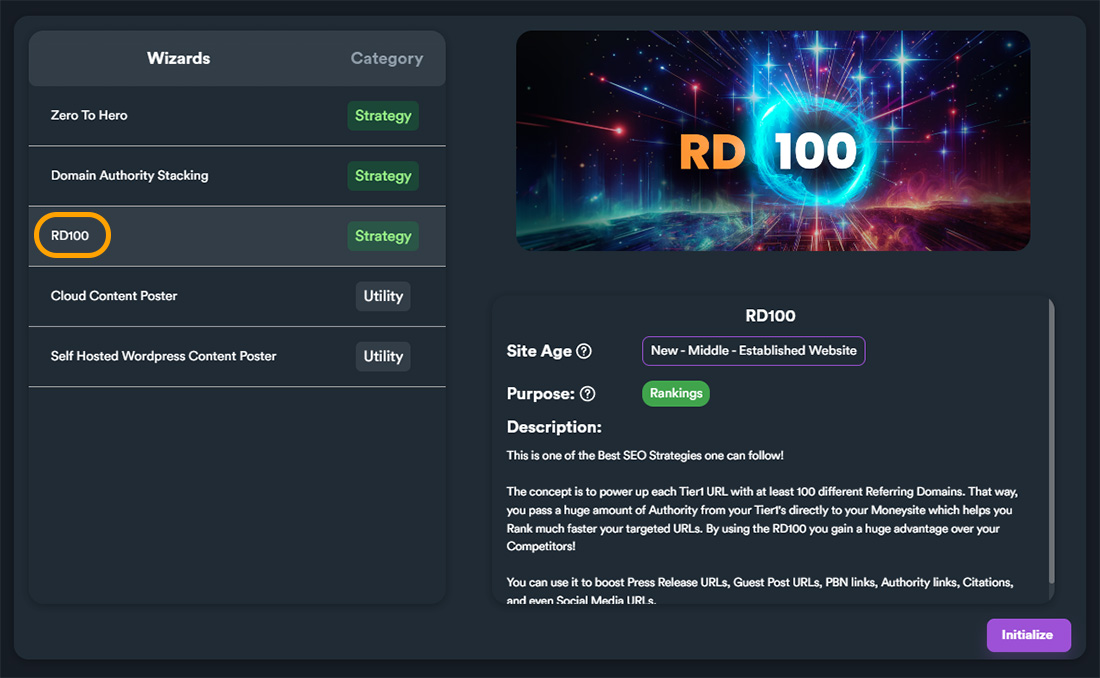
RD100 Wizard
The RD100 wizard is one of the most powerful:
RD100 Header

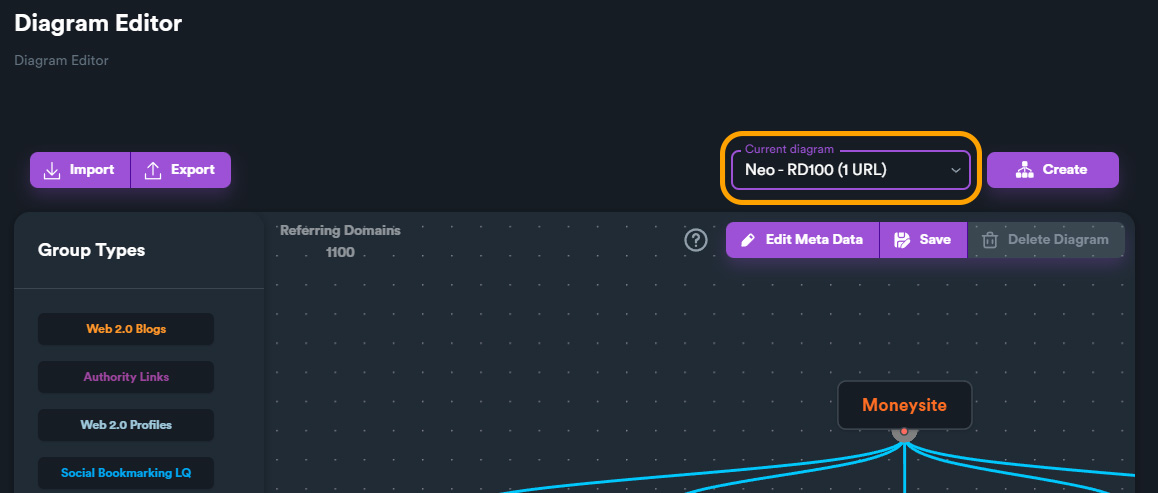
Single URL Mode
Build links to one URL:
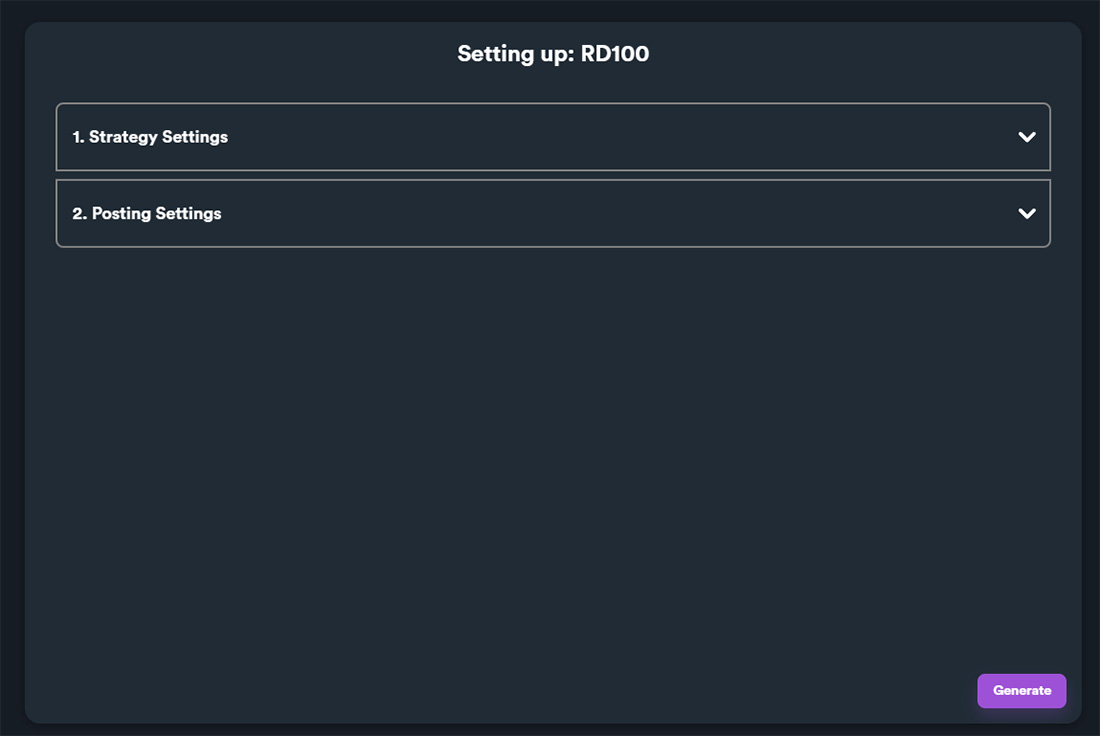
RD100 Wizard Interface
Configure your RD100 campaign:
Two-Step Process
RD100 works in two phases:
GBP Blast Wizard
For Google Business Profile optimization:

Available Wizards
| Wizard | Purpose |
|---|---|
| RD100 | Build 100+ referring domains |
| Domain Authority Stacking | Stack high DA links |
| Cloud Content Poster | Deploy to cloud blogs |
| WordPress Poster | Post to self-hosted WP |
| Zero to Hero | Complete beginner setup |
| GBP Blast | Local SEO campaigns |
| GBP Sniper | Targeted local links |
Best Practices
- Start with RD100 - Proven strategy for rankings
- Use appropriate wizard - Match wizard to your goal
- Customize settings - Adjust to your niche
- Monitor results - Track ranking improvements
- Combine strategies - Layer multiple wizards
Next Steps
- RD100 Strategy Guide - Deep dive into RD100
- Campaign Creation - Manual campaign setup
- Best Practices - Expert tips